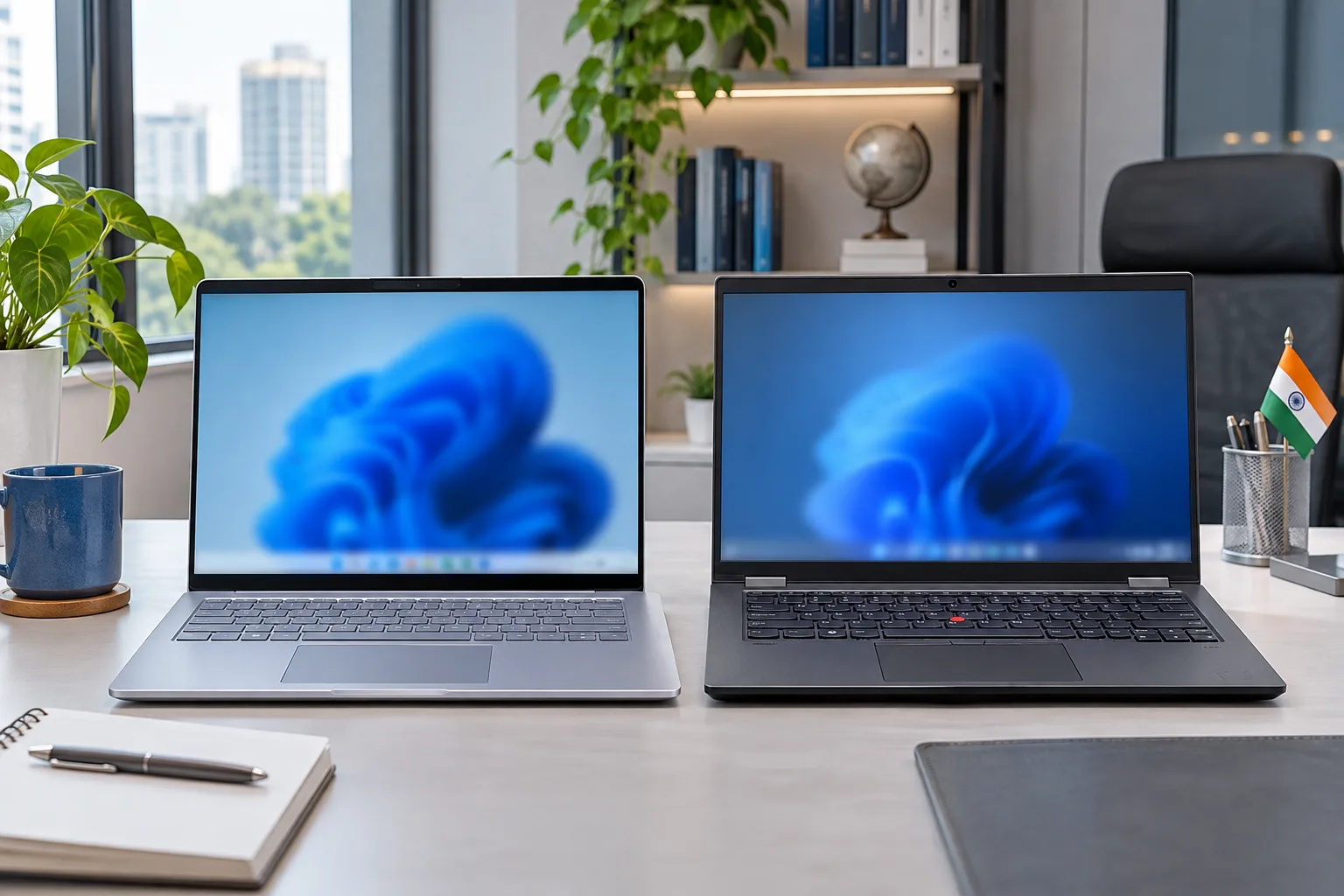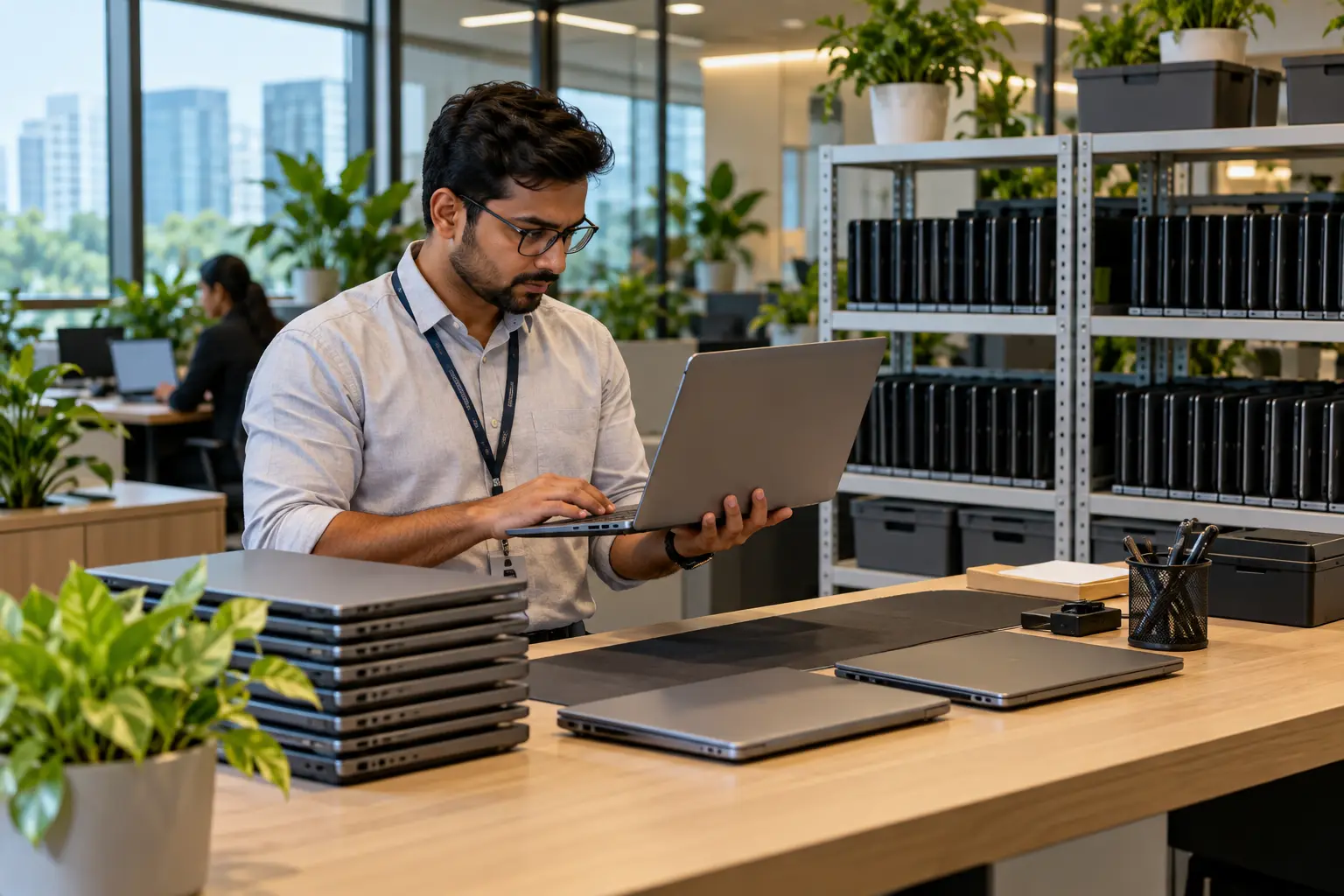
Before renting a laptop, ask about the exact configuration, total rental cost, minimum period, security deposit, KYC, damage terms, delivery and replacement support. These questions before renting laptops help you compare providers properly and avoid unexpected costs. Businesses should also confirm bulk availability, consistent specifications, invoicing and support before ordering devices for employees.
What should you ask before renting?
Start with the device, price and rental conditions. A low monthly rate is useful only when the laptop suits your work and the important charges and responsibilities are clear.
Before confirming, check:
• Exact laptop model, processor, RAM and storage
• Total rent, security deposit and minimum rental period
• KYC, delivery and pickup requirements
• Damage, repair and replacement terms
• Extension and early-return conditions
You can compare available configurations on Rentlap's laptops for rent page before choosing a device.
How much does laptop rental cost?

Laptop rental cost in India depends on specifications, model, rental duration and quantity. As of September 2026, current Rentlap listings show standard Windows laptops starting around ₹999 per month, while performance laptops, gaming systems and workstations can cost considerably more.
| Requirement | Typical configuration | Indicative monthly range |
| Basic work or study | Core i3/i5, 8GB to 16GB | ₹999 to ₹3,000 |
| Business work | Core i5, 16GB, 512GB SSD | ₹2,199 to ₹4,999 |
| Development | Core i7/Core Ultra, 16GB to 32GB | ₹3,499 to ₹6,999 |
| Design or gaming | 16GB to 32GB, dedicated GPU | ₹5,999 to ₹12,000+ |
| Premium workstation | High-end CPU/GPU, 32GB+ | ₹8,499 to ₹24,999+ |
These are indicative ranges, not fixed rates. Availability, location, quantity and rental period can change the final quotation.
For short versus longer requirements, Rentlap's monthly vs daily laptop rental guide explains how rental duration can affect the overall cost.
Which laptop configuration do you need?
Choose specifications according to your workload rather than simply selecting the newest or most expensive device.
For browsing, online classes and standard office applications, a modern processor with 8GB to 16GB RAM and SSD storage may be enough. Regular business users can benefit from 16GB RAM and 512GB SSD storage, while developers may need 16GB to 32GB RAM for development environments, containers and multitasking.
Designers, video editors and engineering users should pay closer attention to GPU performance, display quality and memory. Renting lets you select a higher specification for a temporary project without purchasing a machine you may not need later.
For comparison, Dell's Latitude 5450 specifications show configurations with up to 64GB DDR5 memory and SSD storage up to 2TB.
Should you confirm the exact model?
Yes. A description such as Core i5, 16GB RAM does not tell you everything about a laptop. Processor generation, SSD capacity, display, graphics, battery and ports can differ between models.
Ask for the exact brand, model and processor generation before confirming the rental. If your work requires HDMI, USB-C, Ethernet or other specific connections, check those too.
MacBook users should confirm the exact chip and memory configuration rather than simply requesting a MacBook Air or Pro. Apple's MacBook Air specifications show how chip, memory and storage options can differ within the same product family.
Is a security deposit required?
A refundable security deposit may apply depending on the device, rental period, quantity and customer verification. Premium devices can require a higher deposit than standard office laptops.
Ask for the deposit amount before making payment. You should also know when the refund is processed and what circumstances could lead to deductions.
This matters even more for bulk orders. A refundable deposit across many laptops can represent a meaningful upfront amount, so businesses should consider both monthly rental cost and deposit requirements when comparing quotations.
What happens if damage occurs?
Damage terms should be clear before the laptop reaches you. Normal signs of use may be treated differently from cracked screens, liquid damage, damaged ports, broken hinges or missing accessories.
Ask how damage is assessed and whether repair costs can be deducted from the security deposit. You should also confirm what happens in cases of theft or loss and whether any insurance or protection applies to your order.
Inspect the device after delivery and report existing damage quickly. This creates a clear record of its condition at the beginning of the rental.
What KYC is required?
Laptop rental companies may require identity and address verification because the equipment has significant value. Requirements can differ for students, professionals, freelancers and companies.
Ask which documents are needed before your planned delivery date. Leaving verification until the last moment can cause problems when the laptop is required for an examination, employee joining date or urgent project.
Corporate customers may also need to provide business and billing information. Complete these requirements early, especially for large or time-sensitive orders.
How quickly will laptops arrive?
Delivery time depends on location, inventory, configuration, quantity and completion of verification. Same-day delivery may be possible for selected requirements and locations, while specialised devices or large quantities may need additional preparation.
Confirm that your exact configuration is available and ask for an expected delivery date before payment. Also check whether delivery and pickup charges are included.
For business orders, quantity is important. If 25 employees are joining together, confirm whether all 25 laptops can arrive before the onboarding date instead of relying on a general delivery estimate.
What support should you expect?
A laptop can develop a hardware issue even when used correctly. Before renting, find out what happens if the device stops working.
Ask whether troubleshooting, maintenance or replacement is included and how long a replacement normally takes. For a business, a laptop that remains unusable for several days can cost more in lost productivity than the saving from choosing a cheaper rental.
Companies with remote teams should also check whether replacement devices can be delivered directly to employees in different locations.
Is there a minimum rental period?
Minimum rental periods depend on the device and rental plan. Daily or weekly options may work for short events and temporary requirements, while monthly rentals often make more sense for employees and longer projects.
Also ask what happens if the requirement changes. You may need to extend the rental, return a device early or switch configurations.
Check the Rentlap rental terms before booking so you understand the applicable rental and return conditions.
What should bulk customers check?

A bulk laptop rental checklist should cover more than price. IT and procurement teams need to consider deployment, support and returns as part of the same decision.
Check:
1. Full quantity and required configurations are available.
2. Bulk pricing and deposit terms are clearly stated.
3. GST invoicing and billing cycles meet your requirements.
4. Faulty laptops can be replaced within a practical timeframe.
5. Multi-city delivery and pickup are available where needed.
6. Device quantities can be increased or reduced if requirements change.
Also ask whether employees will receive identical or equivalent configurations. Large differences between devices can create performance and software compatibility issues.
How do you choose a rental vendor?
To choose a laptop rental vendor, compare the complete service rather than the lowest monthly rate.
Look at device quality, pricing transparency, deposits, damage terms, delivery capability and replacement support. Businesses should also consider inventory capacity, invoicing and support for employees in different locations.
Ask for a written quotation showing the configuration, quantity, rental duration, taxes, deposit and other applicable charges. This makes it easier to compare vendors on the same requirements and reduces confusion after the order is confirmed.
How should you protect your data?
Before returning a laptop, back up the files you need and remove personal or business information. Sign out of email, browsers, cloud storage and other accounts.
Business users should also remove company VPN access, saved credentials and device-management profiles where applicable. IT teams should treat a rented laptop return similarly to normal employee device offboarding.
Complete the process before pickup. You should also ask the provider how returned laptops are reset or prepared before being issued to another customer.
Which questions matter most?
If you need a quick final check, ask:
1. What exact laptop and configuration will I receive?
2. What is the complete rental cost and deposit?
3. When will it be delivered?
4. What happens if it is damaged or stops working?
5. How do extension, return and pickup work?
For corporate rentals, also confirm bulk pricing, GST invoicing, configuration consistency and replacement timelines.
Conclusion
The right questions before renting laptops help you understand the real cost and avoid choosing a device that does not match your needs. Confirm the specifications, price, deposit, KYC, rental period, damage terms, delivery and replacement process before paying.
For larger requirements, use a bulk laptop rental checklist covering inventory, billing, consistent configurations, replacements and delivery locations.
Get a rental quote based on your exact configuration, quantity, rental duration and delivery location. A detailed requirement makes it easier to compare suitable options and understand the complete rental cost.
FAQs About Questions Before Renting Laptops
If you still have questions before renting laptops, these quick answers cover common concerns about rental costs, security deposits, bulk laptop rentals, device selection and choosing a reliable laptop rental vendor.
1. What should I check before renting a laptop?
Check the exact model, processor, RAM, storage, rental cost, security deposit and minimum rental period. You should also understand the KYC requirements, delivery timeline, damage terms, replacement support and return conditions before confirming the rental.
2. How much does laptop rental cost in India?
Laptop rental cost depends on the model, specifications, rental duration, location and quantity. Standard business laptops generally cost less than gaming, creator and workstation models. Ask for a current quotation based on the exact configuration and rental period you need.
3. Is a security deposit required for laptop rental?
A refundable security deposit may apply depending on the laptop, rental duration, customer type and verification. Confirm the deposit amount, refund timeline and conditions that may result in deductions before making payment.
4. Can businesses rent laptops in bulk?
Yes. Businesses can rent laptops for employee onboarding, temporary projects, training programmes and expanding teams. A bulk laptop rental checklist should cover device availability, configurations, pricing, invoicing, delivery schedules, replacement support and return arrangements.
5. How do I choose a laptop rental vendor?
When choosing a laptop rental vendor, compare device specifications, total rental cost, deposit requirements, delivery capabilities, and replacement support. Businesses should also consider bulk inventory, invoicing, multi-location delivery, and how quickly vendors can replace faulty devices.