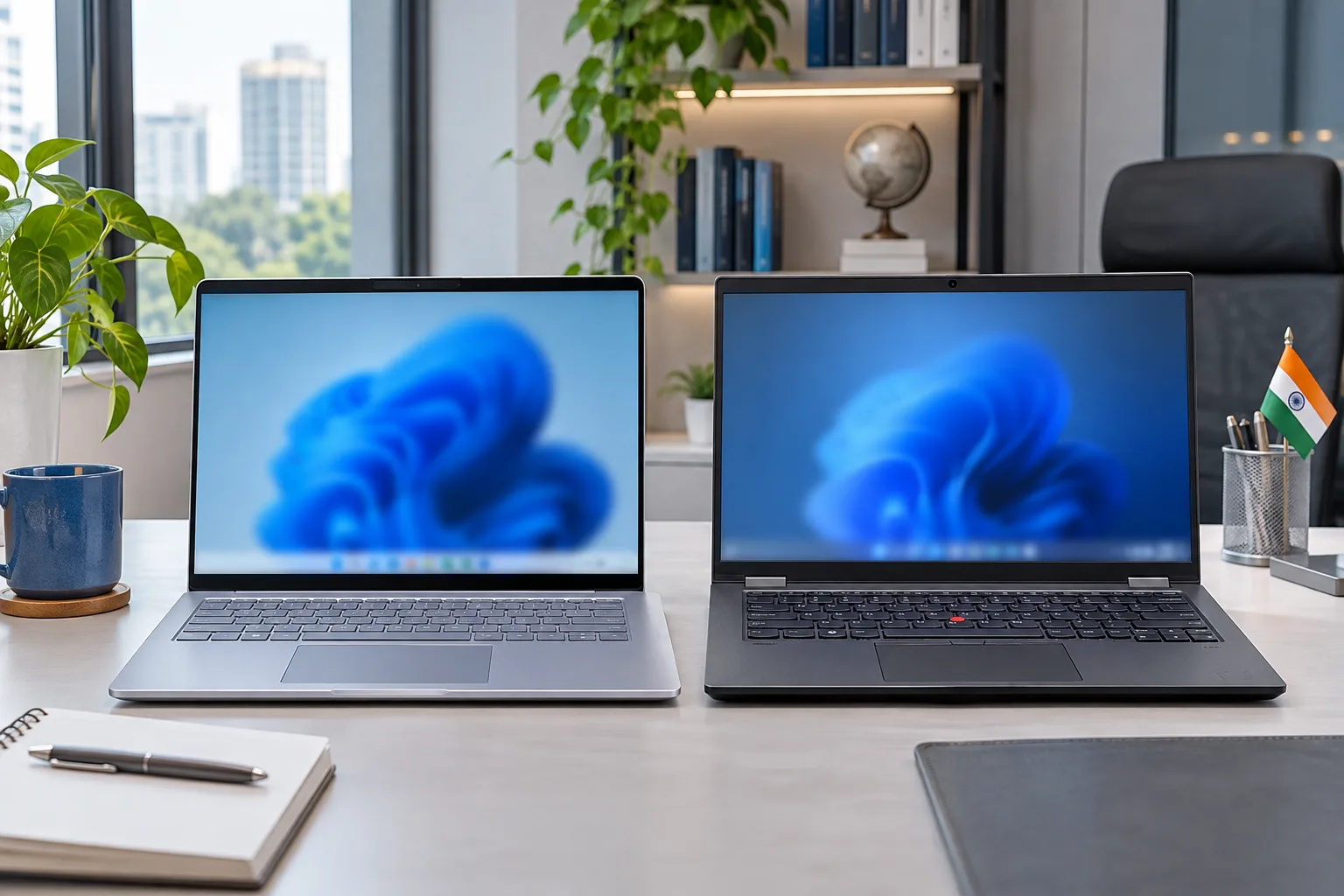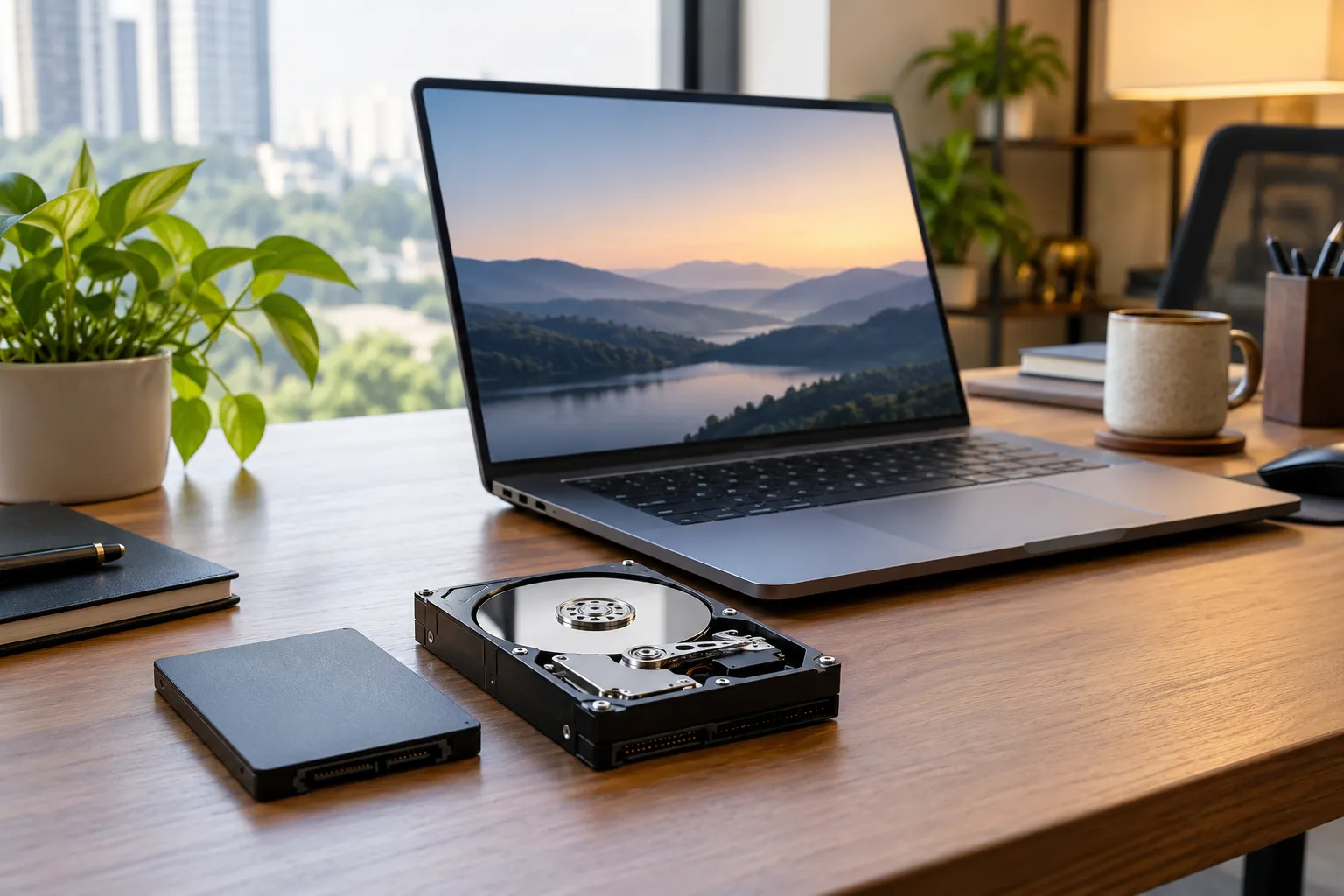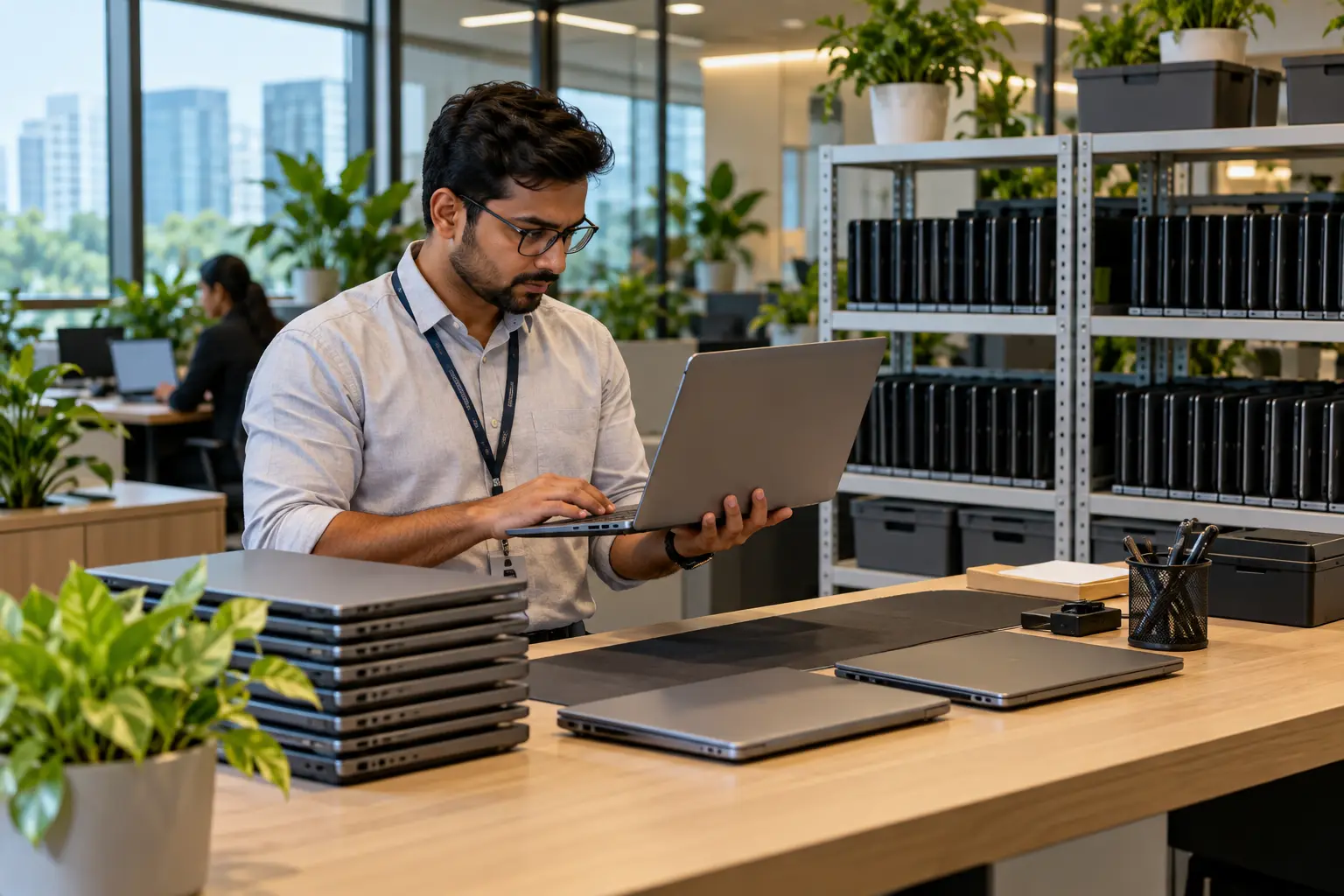
Choosing between i5 vs i7 vs i9 laptop rent depends mainly on what you plan to do with the laptop. An i5 is usually enough for office work, study and everyday tasks. An i7 suits developers, designers and heavier multitasking, while an i9 is better for demanding professional workloads such as rendering, engineering applications and high-end gaming.
The processor name alone should not decide your rental. Generation, processor suffix, RAM, graphics and storage can make just as much difference to real-world performance.
What is the i5 vs i7 vs i9 difference?

Intel Core i5, i7 and i9 processors represent different performance tiers. In general, i5 targets mainstream computing, i7 provides more performance for demanding users, and i9 sits toward the high-performance end. However, an i7 isn't automatically faster than every i5 because generation, laptop power limits and the exact processor model also matter.
Intel's current processor naming guidance also includes newer Core 5, Core 7 and Core Ultra 5, 7 and 9 families. This means renters in 2026 may see both traditional Core i5/i7/i9 laptops and machines using Intel's newer naming structure. Intel's processor naming guide explains these naming conventions and also confirms that suffixes such as U, H and HX indicate different laptop processor classes.
| Processor | Best suited for | Typical rental requirement |
|---|---|---|
| Core i5 | Office work, study, meetings, browsing | Employees, students, general business use |
| Core i7 | Coding, design, analytics, heavier multitasking | Developers, designers, power users |
| Core i9 | Rendering, engineering, production, high-end gaming | Creators, engineers, specialist users |
The better question is not simply which processor is fastest. It is which processor gives you enough performance without increasing your monthly rental cost unnecessarily.
Is an i5 laptop enough?
For most office users and students, an i5 laptop is more than enough. A relatively recent i5 combined with 16GB RAM and SSD storage can comfortably handle Microsoft Office, Google Workspace, web applications, video meetings, accounting software, CRM platforms, research and regular multitasking.
This makes i5 laptops a practical option for businesses renting devices for employee onboarding, temporary teams or short projects. Students, freelancers and remote workers who mainly use browsers, documents, presentations and communication tools also rarely need to pay extra for an i7 or i9.
Performance still varies between individual i5 processors. A low-power U-series processor is designed differently from a higher-performance H-series chip, so always check the full model instead of looking only at the i5 badge.
When should you rent an i7?
An i7 laptop is worth renting when your workload regularly pushes beyond standard office applications. It gives developers, creative professionals and heavier multitaskers additional performance headroom while usually costing considerably less than premium i9 configurations.
An i7 can make sense if you regularly work with programming IDEs, local development environments, large spreadsheets, analytics tools, Photoshop, moderate video editing or many applications at once.
The difference becomes more valuable when performance affects how quickly you complete work. For example, a developer compiling large projects or a designer handling complex files may notice the advantage more than someone working mainly in email and Excel.
If you're asking i5 or i7 which is better, i7 is normally the higher performance tier. But an i5 remains the better-value rental when your software does not need the extra processing capacity.
Who actually needs an i9?
An i9 laptop is designed for workloads where high processing performance directly affects productivity. Most students and regular office employees do not need one.
Professionals working with 3D rendering, complex engineering applications, advanced video production, large software builds, simulations and other processor-intensive workloads can benefit more from an i9. High-end gaming laptops may also combine i9 processors with powerful dedicated NVIDIA graphics.
For example, Rentlap currently lists an MSI Creator M16 configuration with an Intel Core i9-14900HX, 32GB DDR5 RAM and RTX 4070 graphics. This type of configuration is clearly aimed at demanding workloads rather than everyday office use.
That extra performance comes at a higher rental cost, so i9 should generally be selected because your software needs it, not simply because it is the highest processor tier.
Which processor laptop rent should you choose?
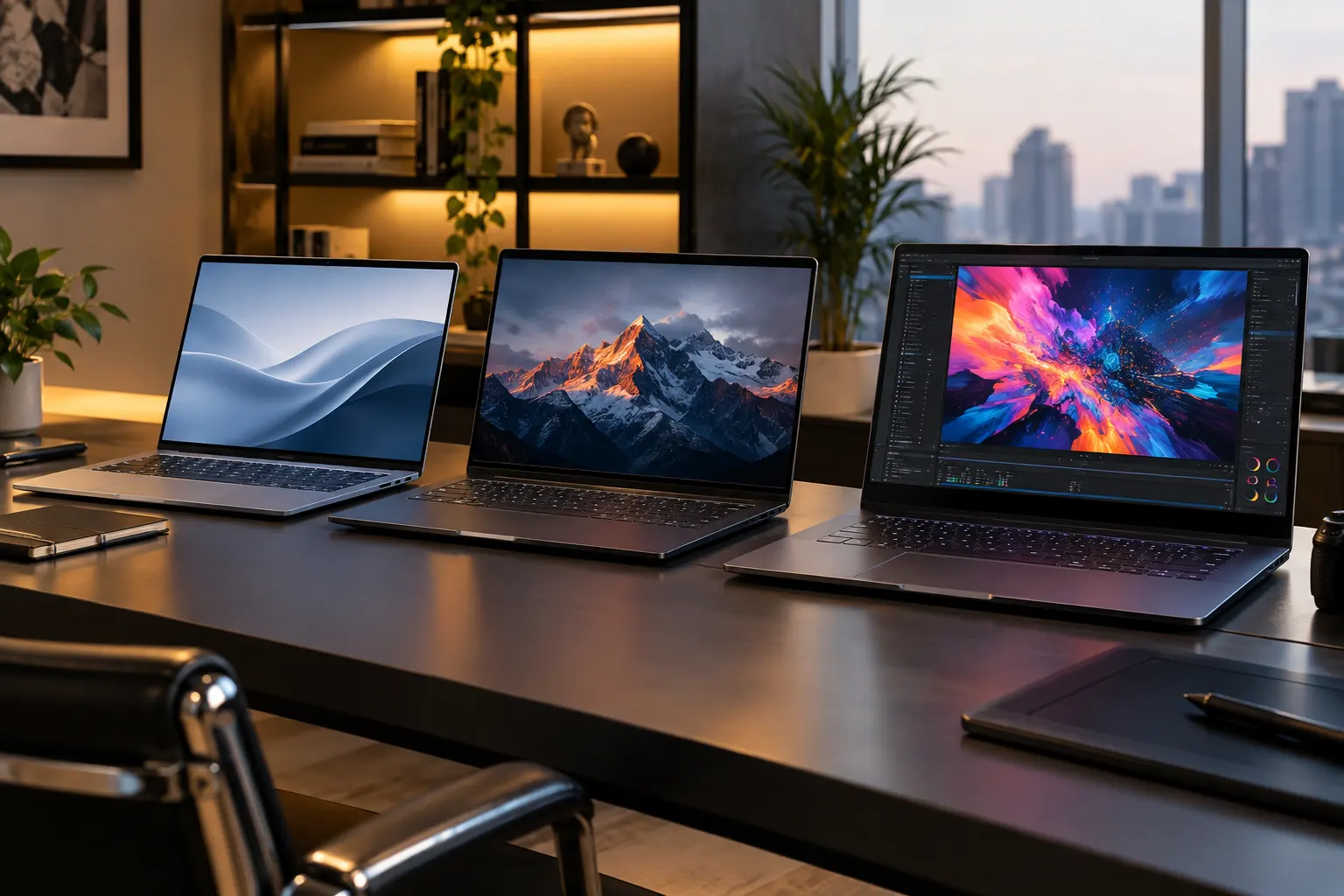
The right which processor laptop rent decision should start with your actual applications. Choosing the highest specification for every employee can significantly increase rental costs without producing a meaningful productivity improvement.
For most requirements:
● Choose i5 for office applications, browsing, meetings, studying, documentation, CRM software and normal multitasking.
● Choose i7 for development, design, analytics, heavier multitasking and moderate professional creative workloads.
● Choose i9 for advanced rendering, engineering workloads, high-end production, intensive computing and demanding gaming.
Corporate IT teams can save more by assigning laptops according to employee roles. Administrative and sales teams may work comfortably on i5 systems, while developers and designers can receive i7 configurations. Only specialist users who genuinely need maximum processing performance should move to i9.
You can compare available configurations on Rentlap's laptops for rent page before selecting a model.
Does processor generation matter?
Yes. Processor generation can be as important as the i5, i7 or i9 label. Improvements between generations may affect speed, efficiency, integrated graphics and platform features.
This is especially relevant when comparing rental laptops. An older i7 should not automatically be selected over a much newer i5 simply because the number seven appears higher.
Intel has also moved toward simplified Core and Core Ultra naming on newer processors. Current laptops may therefore feature Core 5, Core 7, Core Ultra 5, Core Ultra 7 or Core Ultra 9 instead of the familiar i5, i7 and i9 branding. Intel's official laptop processor comparison covers both traditional Core generations and newer Core and Core Ultra families.
Always compare the complete processor name before renting.
Do processor suffixes matter?
Yes. The letter at the end of an Intel laptop processor name can tell you a lot about the type of laptop it was designed for.
Intel identifies U-series processors as power-efficient mobile chips, while H-series processors focus more on high mobile performance. HX processors are positioned at the highest-performance end of laptop processors.
For example, an i7 U-series processor in a thin business laptop and an i7 HX processor in a gaming machine are designed for very different workloads.
This is another reason you should not compare laptops using i5, i7 and i9 names alone.
What else matters besides processor?
RAM, GPU and SSD storage can sometimes affect your experience more than moving from i5 to i7.
For normal business use in 2026, 16GB RAM with SSD storage is a sensible configuration for many users. Developers running virtual machines or creative professionals working with large projects may benefit from 32GB.
Graphics become particularly important for video editing, 3D modelling, GPU rendering and gaming. An i5 laptop with a capable dedicated graphics card can outperform an i7 laptop with integrated graphics in tasks that rely heavily on the GPU.
Screen quality, battery life, ports and laptop weight should also be considered, especially when devices will be used by travelling employees or remote teams.
How much do i5, i7 and i9 rentals cost?
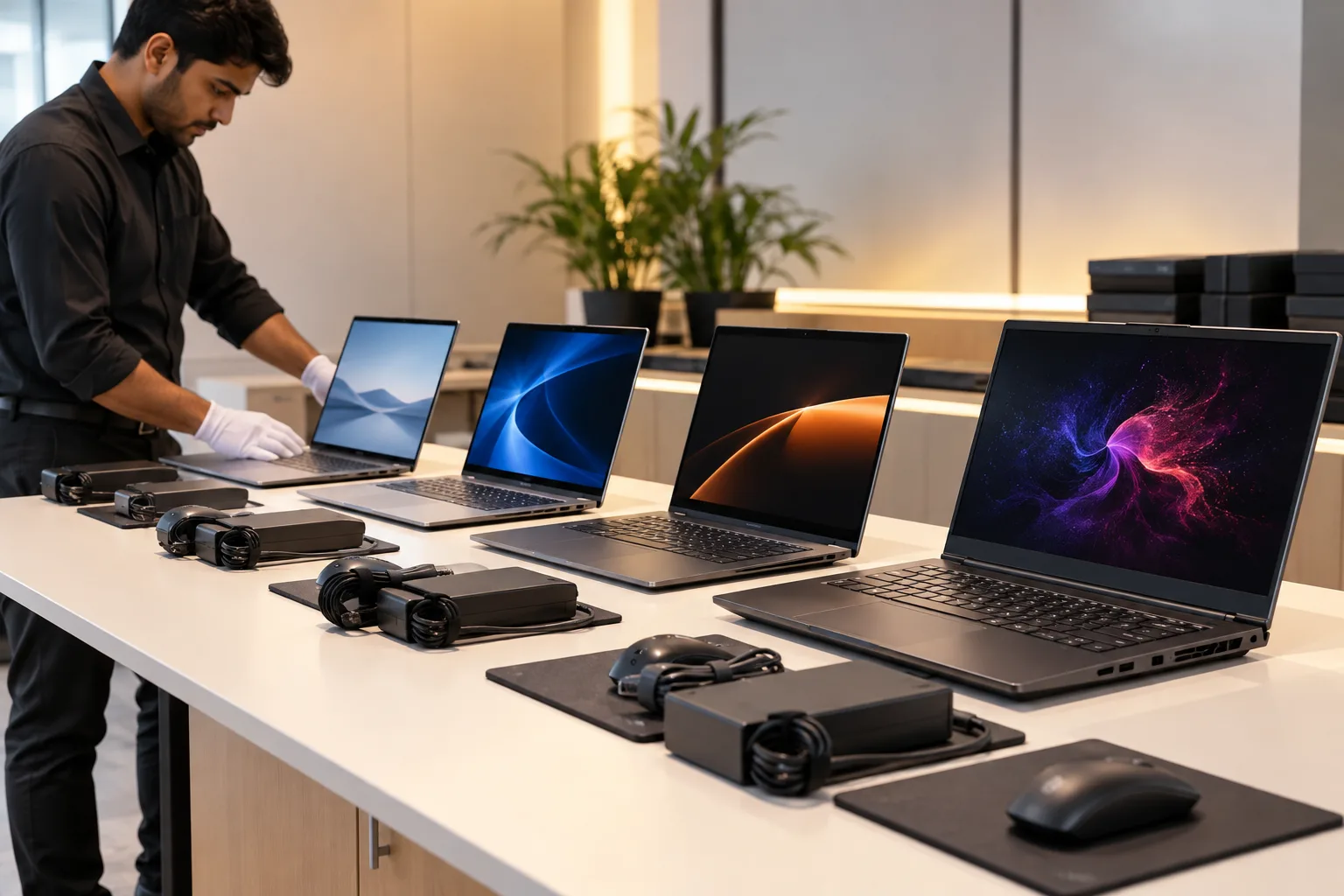
There is no universal rental rate for an i5, i7 or i9 laptop because pricing depends on the complete configuration. Processor generation, graphics card, RAM, SSD capacity, brand, rental duration and availability all influence the monthly rate.
Current Rentlap listings illustrate the difference. An i7-13620H gaming laptop with 16GB RAM, 512GB SSD and RTX 3050 graphics is listed at around ₹3,499 per month, while an i9-14900HX machine with 32GB RAM, 1TB SSD and RTX 4070 graphics is listed around ₹9,999 per month.
Rentlap's wider inventory currently spans approximately ₹1,199 to much higher monthly rates depending on configuration.
These figures are October 2026 reference prices, not fixed quotes. Your final rental rate can change based on model, city, stock availability, rental period and quantity.
What should you check before renting?
Processor choice is only one part of the rental decision. Before confirming a laptop, check the full device configuration, monthly rental amount, deposit requirements and rental conditions.
Rentlap's individual listings show refundable security deposits that vary by device. You should review the KYC verification policy and security deposit policy before placing an order.
It is also worth checking the damage policy so you understand your responsibilities during the rental period. For delivery planning, review Rentlap's delivery and pickup policy. Current product listings commonly show expected delivery within two to five days, with faster delivery shown for some available devices.
Businesses placing bulk orders should confirm stock availability and configuration consistency before employee onboarding or project start dates.
Is renting better than buying?
Renting can make more sense when your laptop requirement is temporary, project-based or likely to change. Instead of buying expensive hardware for short-term requirements, you can rent the performance level needed for that particular workload.
It is especially useful for employee onboarding, contract teams, training programmes, temporary offices and projects requiring specialised machines.
Buying may still be more economical when the same device will be used continuously for several years. If you only need higher performance for a few months, renting an i7 or i9 can reduce the upfront cost of accessing powerful hardware.
Which processor gives the best value?
For most office users, students and general business teams, i5 offers the strongest balance between performance and rental cost. An i7 is the better middle ground for developers, creative professionals and demanding multitaskers.
An i9 offers the most value when processing speed directly affects professional output. If an i9 helps your team complete rendering, engineering or production workloads much faster, the additional rental cost can be justified. You can also check Intel’s official processor comparison guide to compare processor families and understand how different Intel Core tiers are positioned.
The smartest approach is simple: rent the lowest processor tier that comfortably handles your actual software.
Conclusion
The i5 vs i7 vs i9 choice becomes much easier when you focus on workload instead of processor names.
An i5 is ideal for most office, study and everyday requirements. An i7 provides additional power for coding, design and demanding multitasking. An i9 is best reserved for specialist workloads where maximum performance matters.
Also check the processor generation, suffix, RAM, GPU and storage before making your final decision.
Get a laptop rental quote from Rentlap based on your workload, rental duration and team size. Explore available laptops for rent across India or contact Rentlap for corporate and bulk rental requirements.
i5 vs i7 vs i9 Laptop Rent FAQs
These common i5 vs i7 vs i9 laptop rent questions can help you choose the right processor based on performance, price and the type of work you plan to do.
1. Is i5 or i7 better for laptop rental?
An i7 offers more performance, but an i5 is usually enough for office work, study and everyday tasks. Choose i7 for development, design or heavier multitasking.
2. Is i5 enough for office work?
Yes. A recent i5 with 16GB RAM and SSD storage is suitable for most office tasks, including meetings, spreadsheets, CRM tools, browsing and documents.
3. Is i7 good for video editing?
Yes. An i7 with enough RAM and a dedicated GPU can handle most video editing workloads. For heavy 4K editing and frequent rendering, i9 may be better.
4. Who should rent an i9 laptop?
An i9 is best for demanding tasks such as 3D rendering, engineering software, advanced video editing, large development workloads and high-end gaming.
5. Is a newer i5 better than an older i7?
It can be. Processor generation, suffix and laptop configuration matter. A newer i5 may offer better efficiency and competitive performance compared with an older i7.
6. How much does an i9 laptop cost to rent?
i9 rental prices vary by RAM, GPU, storage, model and rental duration. High-performance i9 laptops generally cost more than standard i5 and i7 configurations.