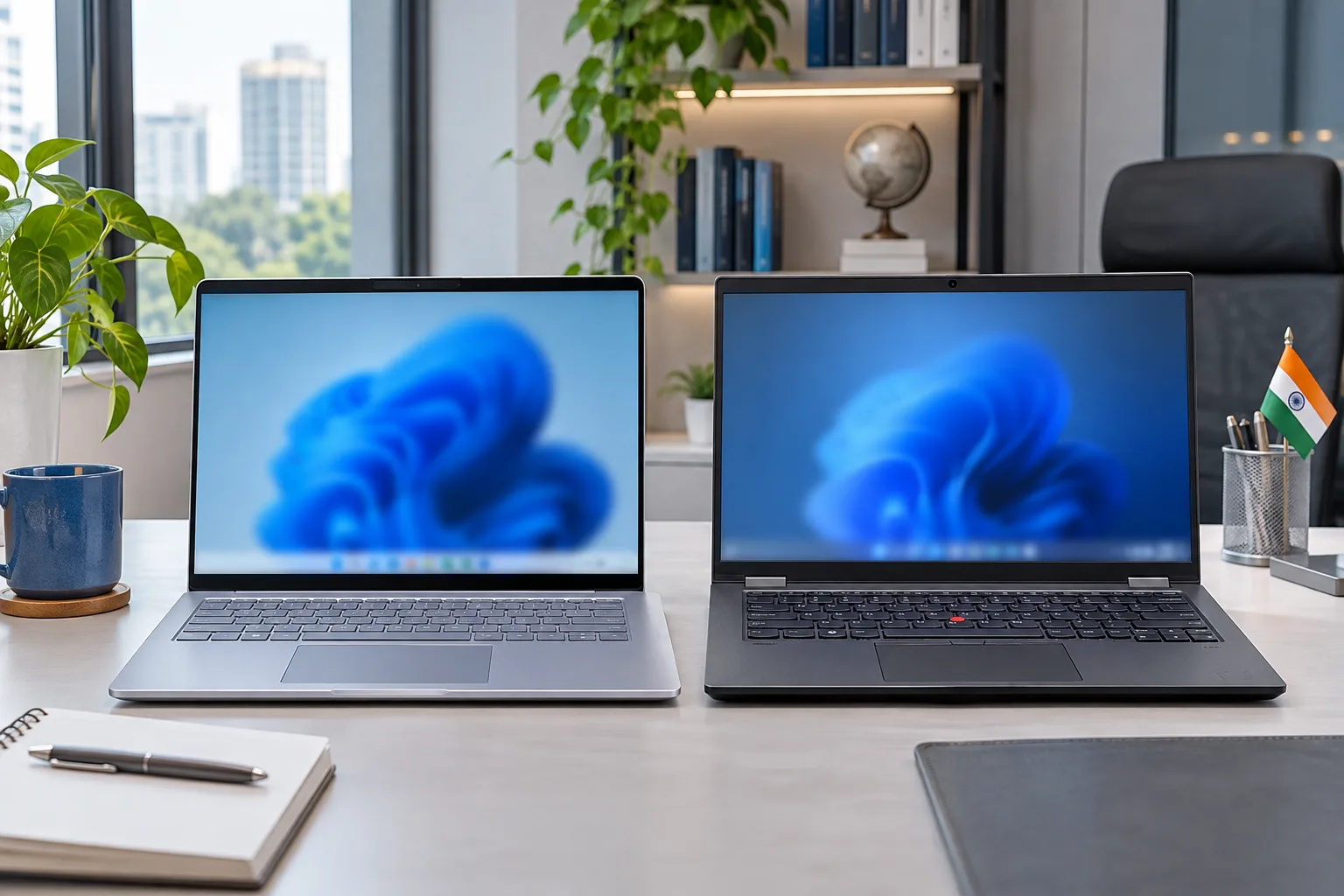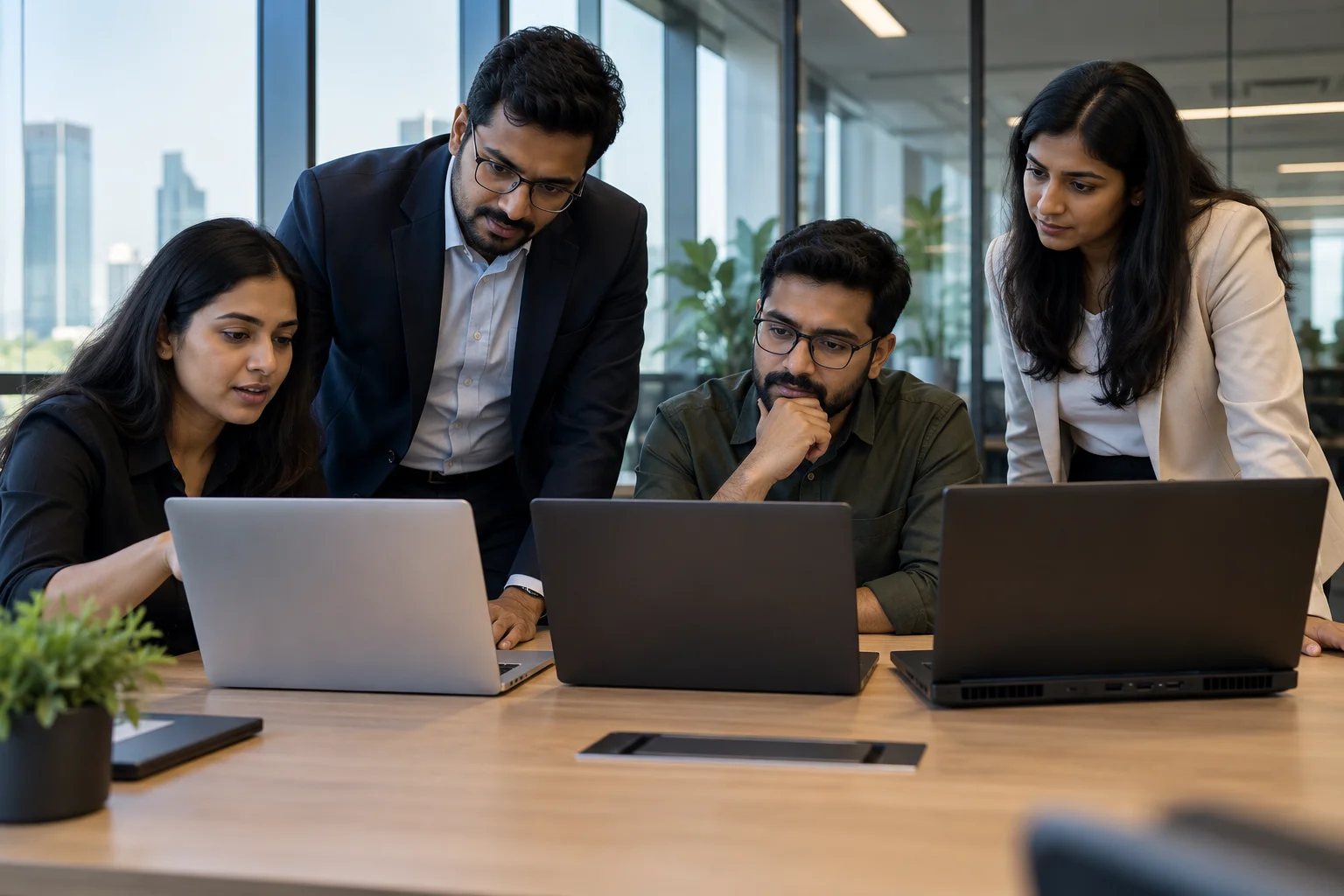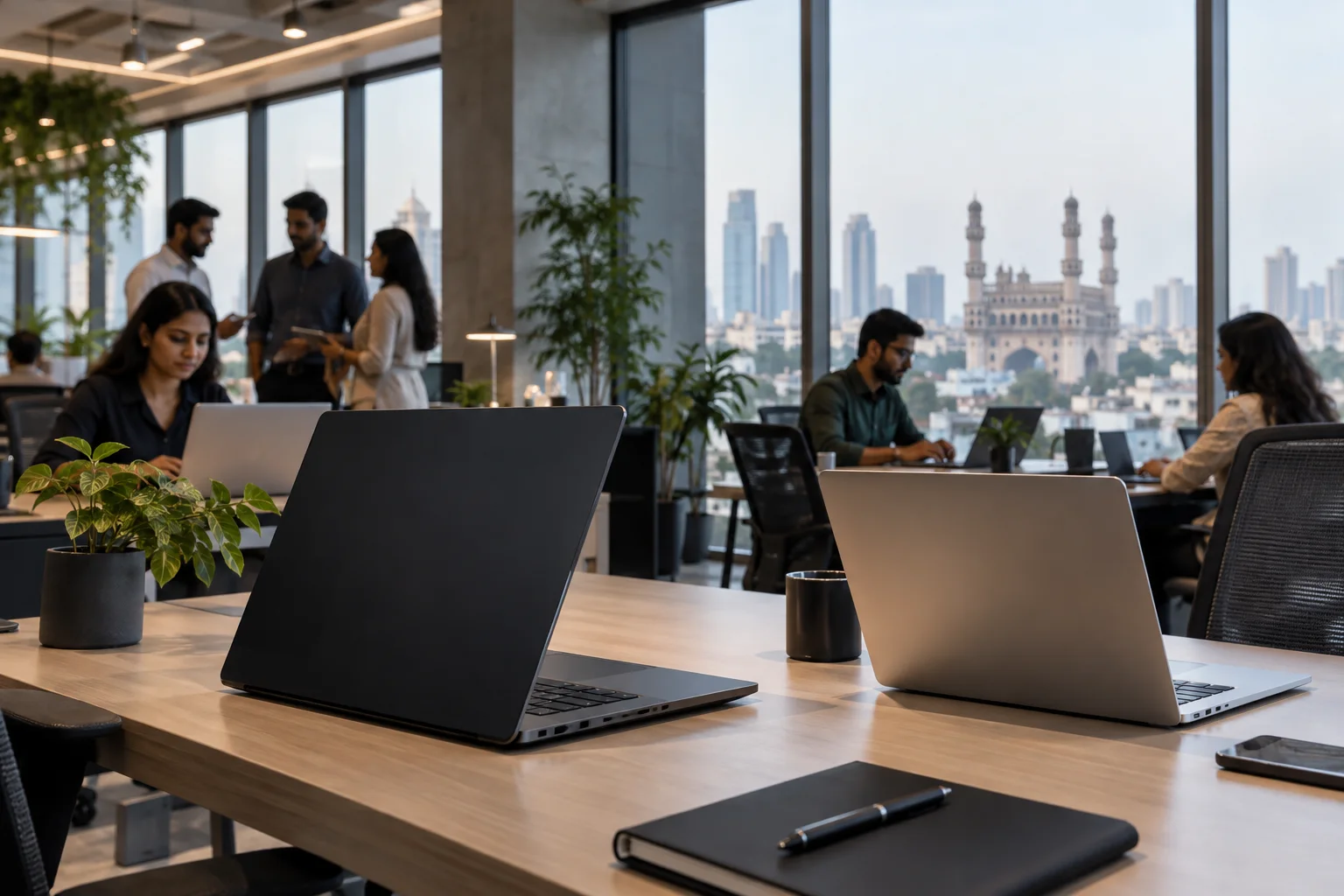
If you need laptop rental in Bangalore, monthly prices can start from around ₹999 for basic business laptops and rise above ₹20,000 for premium gaming or workstation models. The final rent depends on processor, RAM, storage, GPU, rental duration, quantity and availability. Same-day or next-day delivery may be possible in Bangalore depending on stock, KYC, payment and your location.
What does laptop rental in Bangalore cost?
The rent laptop Bangalore price varies because every device has a different configuration and value. As of September 2026, entry-level office laptops may start around ₹999 per month, standard work laptops commonly fall between ₹2,000 and ₹5,000, while creator, gaming and workstation models can cost much more.
| Laptop category | Typical configuration | Approx. monthly rent |
| Basic office laptop | 8GB RAM, 256GB SSD | ₹999 to ₹1,999 |
| Standard work laptop | Core i5/Ryzen 5, 16GB RAM | ₹2,000 to ₹3,500 |
| Premium business laptop | Core Ultra/Ryzen AI, 16GB to 32GB | ₹3,500 to ₹6,000 |
| MacBook Air | M-series models | ₹3,500 to ₹7,000 |
| Gaming laptop | RTX graphics | ₹5,000 to ₹10,000+ |
| Creator/workstation laptop | 32GB RAM, 1TB SSD, dedicated GPU | ₹8,000 to ₹25,000+ |
You can compare current options on Rentlap’s laptops for rent in Bangalore. Prices can change based on availability, tenure, deposit and quantity.
Why do rental prices vary?
Laptop rental prices depend on more than the brand name. Two Core i5 laptops can have different RAM, SSD capacity, processor generations, graphics and displays.
The main pricing factors are:
• Processor generation
• 8GB, 16GB or 32GB RAM
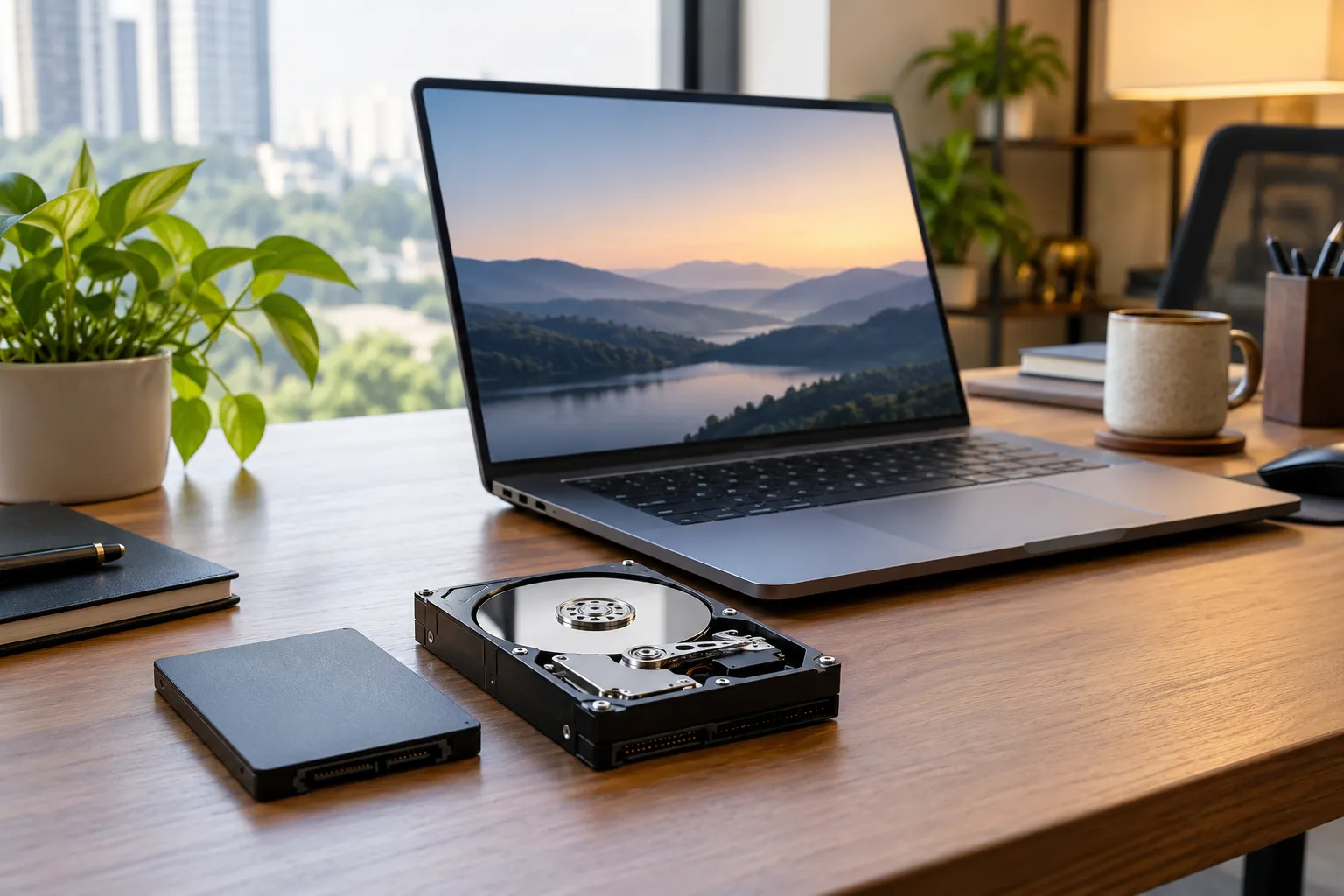
• 256GB, 512GB or 1TB SSD
• Dedicated graphics
• Rental duration
• Number of laptops
• Delivery location
• Security deposit
• Urgent delivery requirements
Longer rentals and bulk corporate orders may receive different pricing than short individual rentals. Always request the complete quote, including rent, deposit and delivery charges.
Which laptop fits your budget?
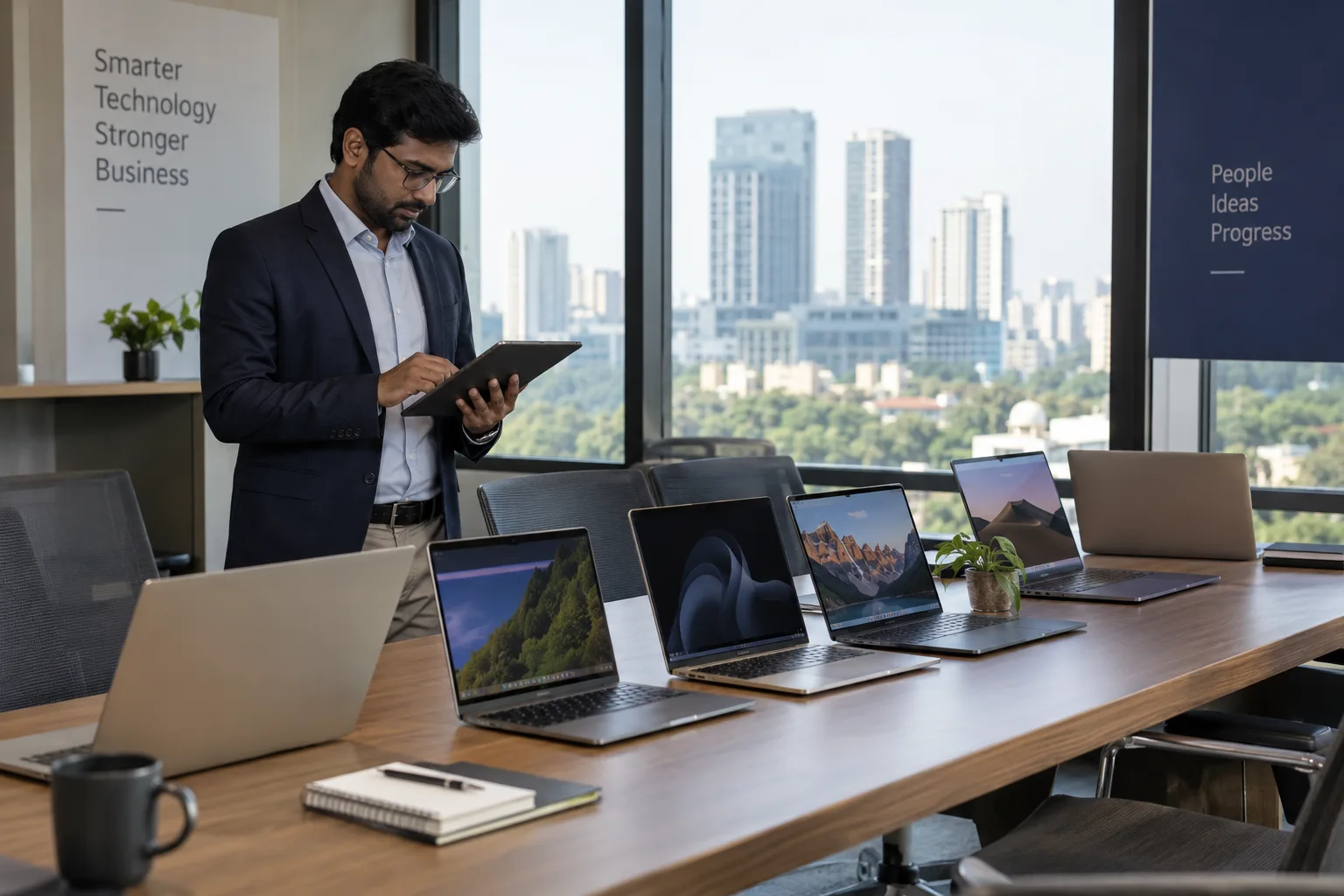
The right laptop depends on the work you plan to do. Students and basic office users can choose affordable models, while developers, designers and corporate teams may need better processors, more RAM and larger SSDs.
For students and everyday office work, a practical configuration is:
• Intel Core i5 or AMD Ryzen 5
• 8GB to 16GB RAM
• 256GB to 512GB SSD
• 14-inch or 15.6-inch display
• Integrated graphics
For business users, 16GB RAM and 512GB SSD is a useful baseline for spreadsheets, browser-based tools, video meetings and CRM software. Lenovo’s ThinkPad E14 series, for example, offers modern processors, higher memory options and SSD storage. You can check current configurations on the official Lenovo ThinkPad E14 page.
MacBooks suit developers, designers and professionals already using Apple’s ecosystem. Apple’s current MacBook Air models offer M-series chips, unified memory and SSD storage suitable for professional use. See Apple’s official MacBook Air specifications for current details.
Creators, architects and video editors should prioritise 16GB to 32GB RAM, 1TB SSD and dedicated RTX graphics where required.
Which Bangalore areas are covered?
Laptop rental requirements in Bangalore commonly come from Whitefield, Electronic City, Koramangala, HSR Layout, Bellandur, Marathahalli, Indiranagar, MG Road, Hebbal, Manyata Tech Park and Jayanagar.
Exact delivery availability depends on your PIN code, selected laptop and stock. Businesses should share their full office address, laptop quantity and preferred delivery time early, especially when several systems are required for onboarding or training.
Can you get same-day delivery?
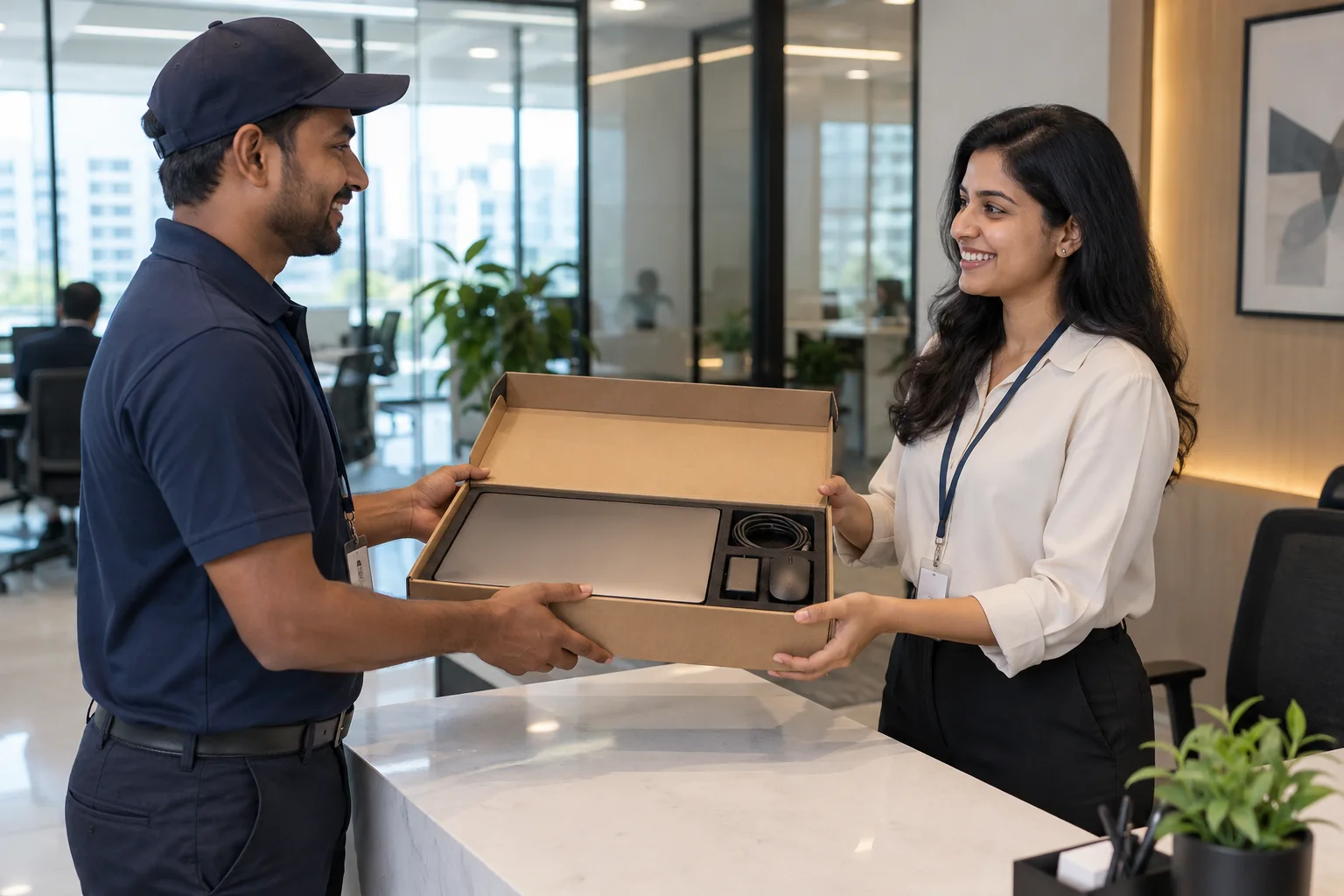
Same-day laptop delivery in Bangalore may be possible for urgent requirements, but it should be confirmed before you rely on it. Availability depends on the selected model, stock, KYC completion, payment, security deposit and delivery location.
For faster delivery:
1. Choose an in-stock laptop.
2. Keep an alternative configuration ready.
3. Submit KYC documents early.
4. Complete payment and deposit promptly.
5. Share the correct PIN code.
6. Confirm the delivery window.
You can review Rentlap’s delivery and pickup policy before placing an urgent order.
What Are the Deposit and KYC Requirements?
A refundable security deposit may be required for a laptop on rent Bangalore order. The amount depends on device value, rental duration, customer profile and quantity.
Individuals may need identity and address proof. Students may be asked for student identification. Businesses may need company details, GST information or authorised contact details.
Check Rentlap’s rental terms and confirm:
• Monthly rental amount
• Refundable deposit
• Delivery charges
• Rental duration
• Damage responsibilities
• Missing accessory charges
• Pickup and refund conditions
Premium MacBooks, gaming laptops and workstations may require a larger deposit than standard office laptops.
How is rental data protected?
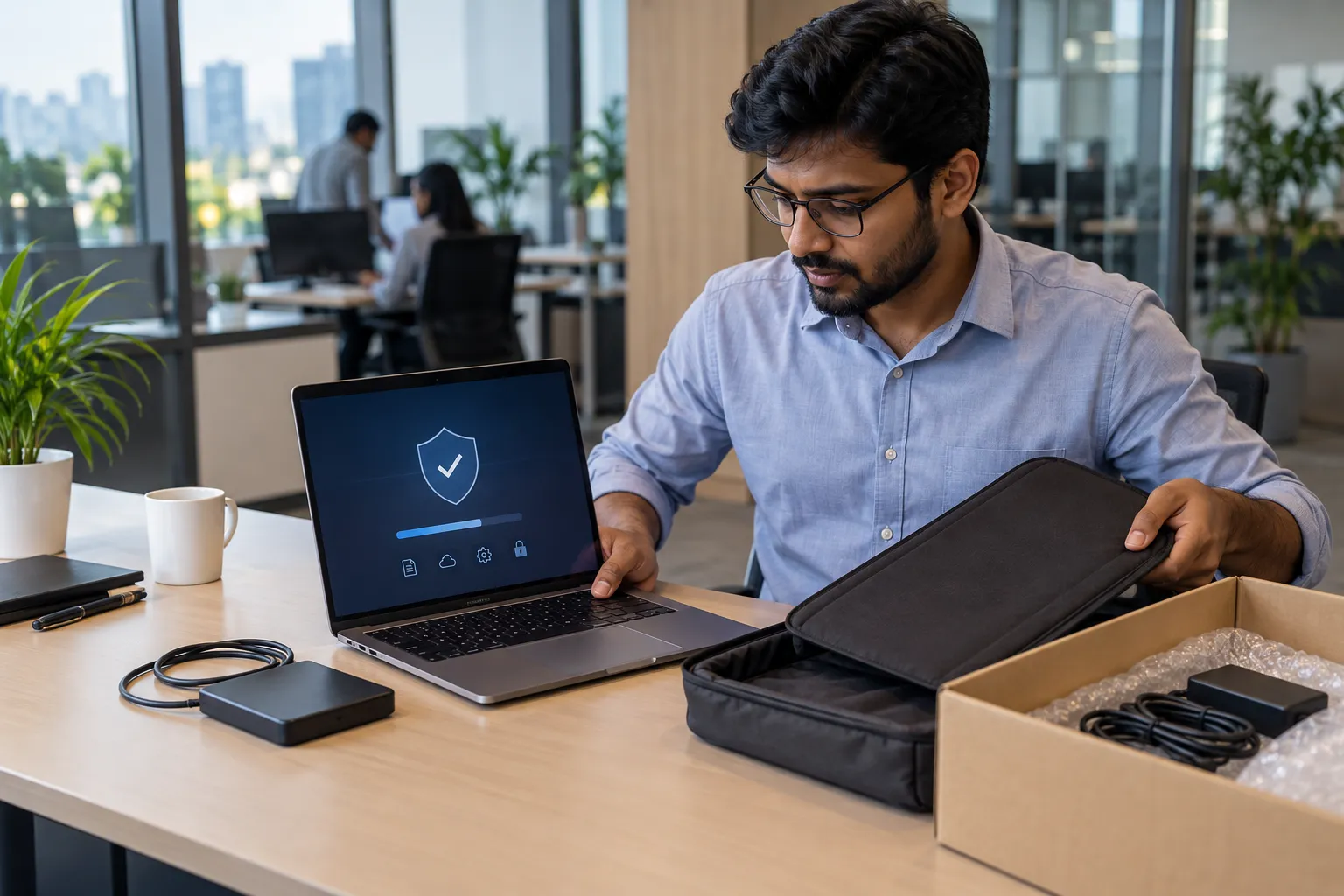
Data security matters when a rented laptop contains company documents, source code or personal accounts. Always back up your files and sign out before returning the laptop.
For business rentals, consider:
• Full-disk encryption
• Separate employee accounts
• Multi-factor authentication
• Company device management tools
• Removal of browser accounts
• Removal of cloud storage access
• Final backup before pickup
Do not leave important files on the device expecting them to remain after return. Rental devices may be inspected, reset or formatted before being issued again.
Is renting better than buying?
Renting usually makes sense for temporary projects, internships, employee onboarding, training, events and contract teams. Buying can be better when the same employee will use the device for several years.
| Factor | Renting | Buying |
| Upfront cost | Lower | Higher |
| Temporary need | Better fit | Less efficient |
| Scaling teams | Easier | Requires purchases |
| Ownership | No | Yes |
| Upgrade flexibility | Higher | Depends on resale |
| Long-term use | Can cost more | Often better value |
For a freelancer needing a laptop for two months, renting avoids a large purchase. For an employee expected to use one laptop for four years, buying may make more financial sense.
How can businesses reduce costs?
Corporate teams can lower rental costs by planning requirements early and avoiding unnecessary high-end specifications.
Useful steps include:
• Standardise one or two configurations.
• Reserve premium models for users who need them.
• Share the complete rental period.
• Provide accurate quantities for bulk pricing.
• Group employee onboarding where possible.
• Request rent, deposit and delivery costs in one quote.
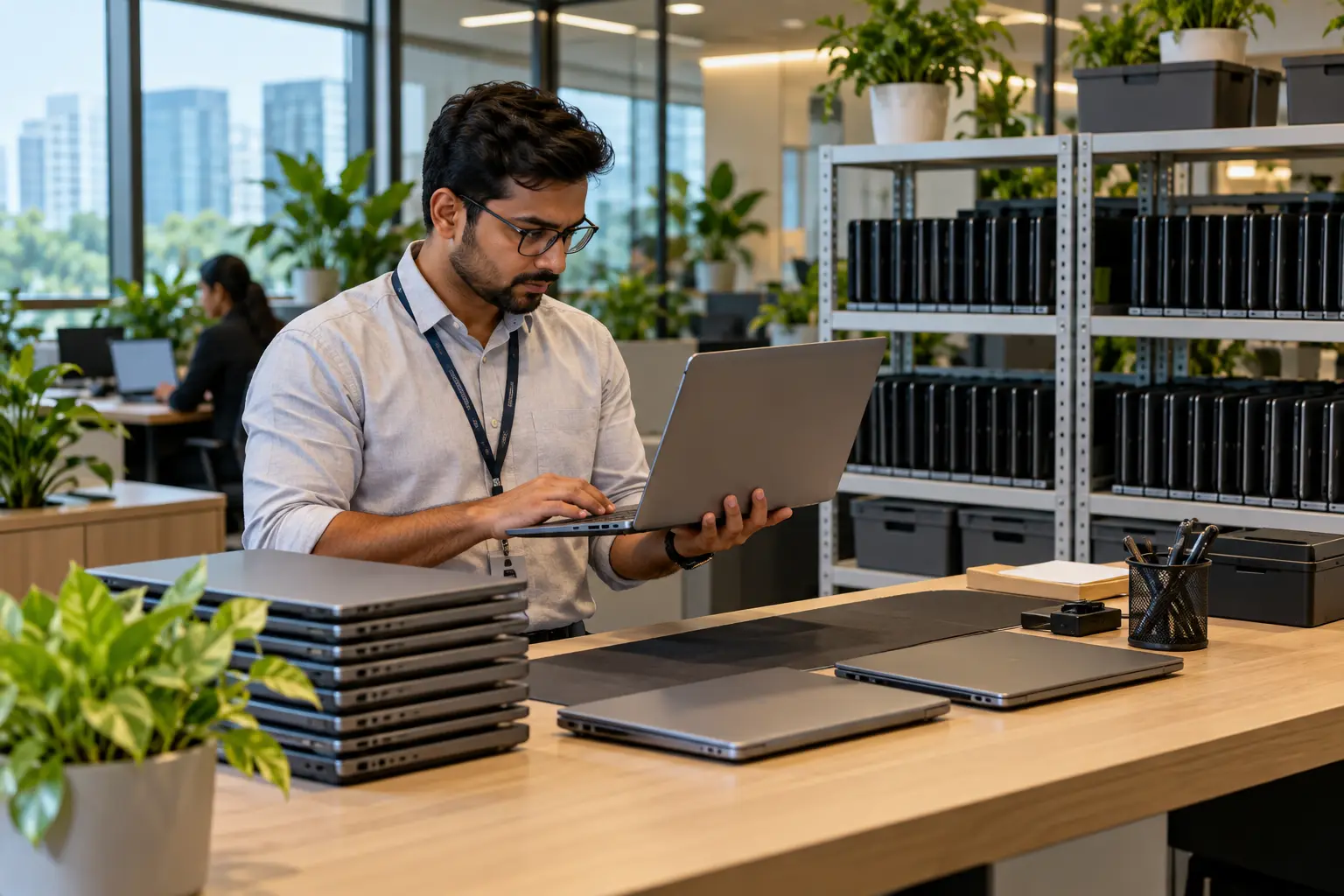
This approach can also make software setup, replacement and IT support easier across larger teams.
How do you rent through Rentlap?
The rental process is simple once you know your configuration and duration.
1. Choose the processor, RAM, SSD and GPU.
2. Decide the rental period.
3. Share the quantity and Bangalore delivery location.
4. Review the quote and security deposit.
5. Complete KYC or business verification.
6. Make the agreed payment.
7. Receive and inspect the laptop.
8. Back up your files and prepare it for pickup when the rental ends.
When the laptop arrives, check the screen, keyboard, charger, ports and physical condition. Report any existing issue immediately.
Ready to rent a laptop in Bangalore?
If you need a laptop for study, freelance work, employee onboarding or a corporate project, request a quote based on the exact configuration, duration, quantity and delivery location.
For urgent requirements, share your Bangalore PIN code and required date in advance. Same-day delivery may be possible for selected orders, but always confirm the actual delivery slot before planning around it.
Laptop Rental in Bangalore FAQs
These laptop rental in Bangalore FAQs answer common questions about rental prices, security deposits, same-day delivery, student requirements, bulk corporate rentals and returning your device safely.
1. How much does laptop rental in Bangalore cost?
Laptop rental in Bangalore can start from around ₹999 per month for entry-level business laptops. Standard work laptops may cost around ₹2,000 to ₹5,000, while MacBooks, gaming systems and workstations can cost much more. The final price depends on configuration, rental duration, quantity, security deposit, delivery location and current stock.
2. Can I get same-day delivery in Bangalore?
Same-day delivery may be available for selected laptops and locations, but it depends on stock, KYC, payment, deposit and logistics. For urgent requirements, choose an available model, complete verification early and share the correct PIN code. Always confirm the delivery time before scheduling onboarding, training or important project work.
3. Is a security deposit required?
A refundable security deposit may be required before delivery. The amount varies based on laptop value, customer type, rental period and order size. Premium MacBooks, gaming laptops and workstations may require higher deposits. Ask for the exact deposit, refund conditions and possible deductions before confirming the rental.
4. Can students rent laptops in Bangalore?
Yes. Students can rent laptops for classes, assignments, internships, coding and short-term projects. They may need identity proof, address proof and student identification. The required documents, security deposit and available laptop models can vary according to the device value and rental duration.
5. Can companies rent laptops in bulk?
Yes. Startups, companies, training centres and project teams can rent multiple laptops for onboarding, temporary employees, events or short-term projects. Bulk pricing depends on quantity, specifications, rental period and delivery requirements. Share the number of devices, preferred configuration, Bangalore location and expected tenure to receive an accurate quote.
6. What happens if the laptop is damaged?
Damage caused by misuse may lead to repair or replacement charges. Examples include cracked screens, liquid damage, broken ports or missing accessories. Inspect the laptop during delivery and report any existing damage immediately. This creates a clear record of its condition before you start using the device.
7. What happens to my data after return?
Back up your files and remove personal or business accounts before returning the laptop. Sign out of email, cloud storage, browsers and company applications, then remove saved passwords. Rental laptops may be inspected, reset or formatted after return, so never rely on the rental provider to preserve your files.