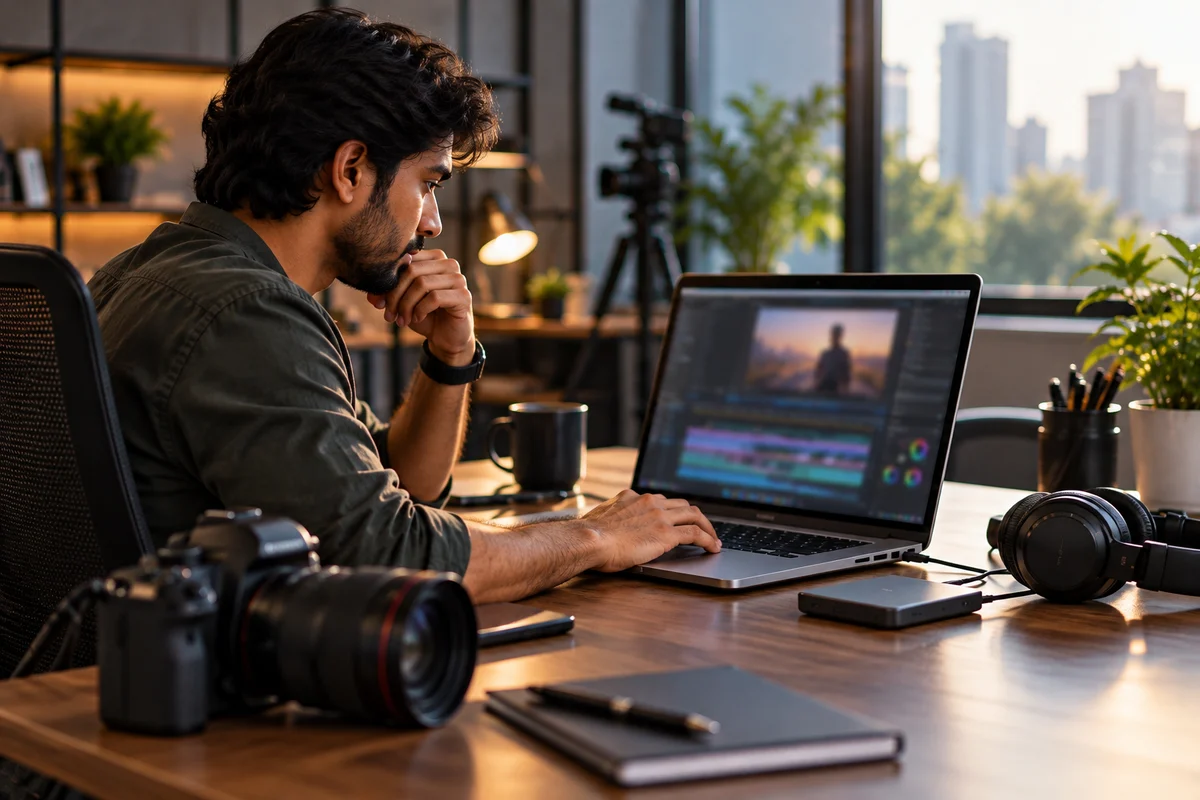
A laptop rental for video editing should match your footage, software and project length, not simply the most expensive GPU. For most 4K editors, a modern Core i7/Core Ultra 7, Ryzen 7 or Apple M-series chip, 32GB memory, fast SSD storage and an 8GB-class GPU are a strong starting point. Lighter 1080p work can run on less, while multicam, RAW, 6K and effects-heavy projects need more.
What specs do video editors actually need?
The right configuration depends on resolution, codec, effects and how many apps you run together. According to Adobe’s current Premiere system requirements, 16GB RAM is recommended for HD and 32GB or more for 4K and higher, along with a fast internal SSD and high-speed media storage. That makes 32GB RAM and 1TB SSD a sensible rental baseline for serious 4K work.
| Workload | Practical rental target |
| 1080p social and YouTube | Core i5/i7 H-series, 16GB RAM, 512GB SSD, 4GB to 6GB GPU |
| Regular 4K editing | Core i7/Core Ultra 7/Ryzen 7, 32GB RAM, 1TB SSD, 8GB GPU |
| 4K multicam and effects | Core Ultra 9/Ryzen 9, 32GB to 64GB RAM, 1TB SSD, 8GB to 12GB GPU |
| 6K/8K and RAW | High-end CPU, 64GB RAM, 2TB SSD, 12GB to 24GB GPU |
These are practical rental targets, not software minimums. Proxies, lighter codecs and external storage can reduce the hardware you need.
Which CPU is best for video editing?
Processor generation and media engines matter as much as the i7 or i9 label. Adobe recommends at least eight CPU cores for stronger Premiere performance and notes that Intel Quick Sync can accelerate H.264 and HEVC playback. Modern Apple silicon also provides dedicated media engines for common video workflows.
For most rentals:
- Core i7 H/HX or Core Ultra 7 suits mainstream 4K work.
- Core Ultra 9 or Ryzen 9 fits long exports, multicam and effects.
- Apple M5 Pro or M5 Max suits demanding macOS editing.
Current Apple’s MacBook Pro technical specifications show M5 Pro and M5 Max configurations with higher GPU options and unified memory capacities suited to demanding creative workloads.
How much RAM should you rent?
For basic 1080p edits, 16GB is workable. For regular 4K projects, 32GB is safer because editing software often runs beside After Effects, Photoshop, browsers and cloud tools. Adobe’s 2026 Premiere requirements recommend 32GB or more for 4K and higher on Windows.
Choose 64GB for multicam projects, large motion graphics compositions, 6K/8K footage or heavy multitasking. On Apple silicon, unified memory works differently from conventional Windows RAM, so compare the complete editing workflow rather than matching memory figures directly.
Which GPU do video editors need?
A dedicated GPU matters more when you use colour grading, noise reduction, AI effects, motion graphics or GPU-accelerated exports. Adobe lists 4GB GPU memory as a supported baseline for NVIDIA hardware, but 8GB is a more practical target for modern 4K work. PugetBench’s extended Premiere testing requires 12GB or more VRAM, showing how demanding heavier projects can become.
Use this rule of thumb:
- 4GB to 6GB VRAM for 1080p and lighter effects.
- 8GB VRAM for most 4K editing.
- 12GB VRAM for heavier 4K, multicam and higher resolutions.
- 16GB to 24GB VRAM for specialised 6K/8K and GPU-heavy work.
How much SSD storage is enough?
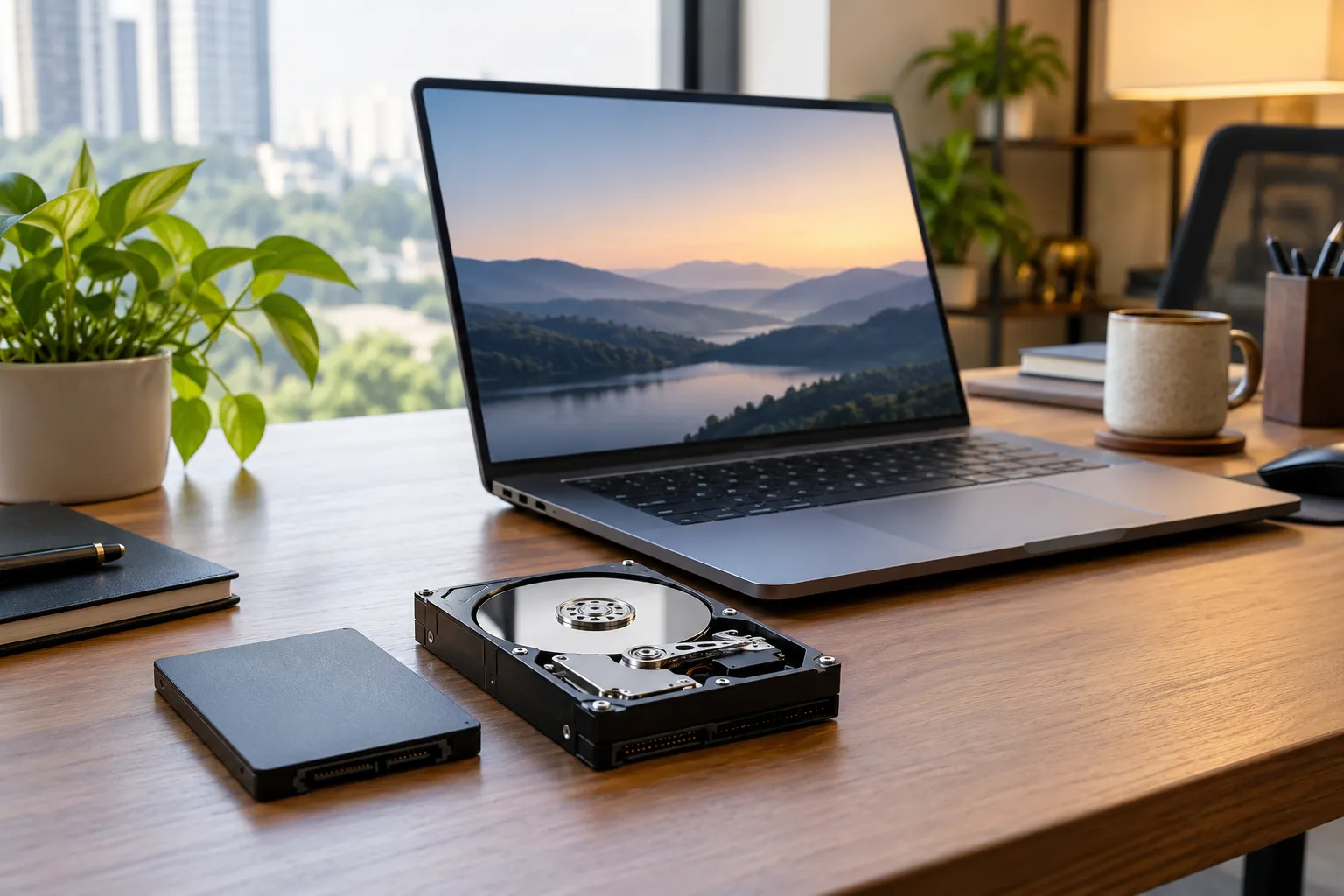
A 512GB SSD works if your media sits on a fast external drive. For most editors renting one machine for the full project, 1TB is more comfortable because apps, cache files, proxies and active media all need space.
For large 4K, RAW or multicam jobs, 2TB is worth considering. Keep project backups separate from the rental laptop and never treat its internal SSD as your only copy of important footage.
What are the best video editing laptops?
The best laptops for video editing are the ones that match your project without making you pay for unused performance. Rentlap lists useful options across Windows and macOS.
- MSI Thin 15, RTX 3050, 16GB/512GB: suited to lighter 1080p editing, from ₹3,499 per month.
- MSI Crosshair 16, RTX 4060 8GB, 16GB/1TB: a stronger 4K starting point, from ₹7,499 per month.
- MSI Creator M16 HX, RTX 4070 8GB, 32GB/1TB: balanced for Premiere Pro, After Effects and 4K client work, from ₹9,999 per month.
- ASUS ROG Strix G18 2026, RTX 5070 Ti 12GB, 32GB/1TB: suitable for heavier effects and high-resolution timelines, from ₹10,794 per month. ASUS’s official ROG Strix G18 specifications confirm the G815LR-TT292WS uses a Core Ultra 9 290HX Plus and RTX 5070 Ti 12GB.
- MacBook Pro M5 Pro, 24GB/1TB: a strong macOS editing option, from ₹12,999 per month.
- Alienware 18 Area-51, RTX 5090 24GB, 64GB/2TB: aimed at specialised high-end workloads, from ₹24,999 per month.
You can compare current Windows configurations on Rentlap’s laptop rental page and Apple models on its MacBook rental page. Availability and rental rates can change based on location, duration and stock.
How much does video editing rental cost?
A video editing laptop on rent in India can vary widely because CPU, GPU, RAM, storage, rental duration and device value all affect the quote. Current Rentlap listings range from about ₹3,499 per month for an RTX 3050 configuration to ₹24,999 per month for an RTX 5090 system.
A practical October guide is:
- ₹3,500 to ₹6,500 per month for lighter 1080p and entry creator work.
- ₹7,500 to ₹10,000 per month for solid 4K Windows editing.
- ₹10,000 to ₹15,000 per month for premium Windows or M5 Pro-class performance.
- ₹18,000 to ₹25,000+ per month for specialised high-end configurations.
These are reference ranges, not fixed quotes. Longer rentals, corporate quantities, selected configuration, location and device availability can change the final rate. Rentlap’s published terms also state that pricing varies by configuration, duration, quantity, customer type and delivery location.
When does renting beat buying?
Renting makes sense when the hardware requirement is tied to a project rather than a permanent role. A freelancer cutting a three-month documentary, a student finishing a film project, or a company onboarding a temporary editing team may not need to purchase premium hardware that could sit idle later.
Renting is particularly useful when you need:
- A stronger GPU for one production.
- Several matching laptops for a temporary editing team.
- A MacBook for one client-specific workflow.
- A temporary upgrade while your main workstation is unavailable.
- High-end hardware without a large upfront purchase.
Buying can make more sense when the same editor will use the laptop daily for several years and the workload is unlikely to change.
What should you check before renting?
Before confirming a laptop rental for video editing, verify the exact model and configuration in writing. A small change in GPU, RAM or SSD can materially affect editing performance. Rentlap’s rental terms explain that pricing, deposit, availability, delivery and rental duration can vary by order.
Check:
- Exact CPU, GPU, VRAM, RAM and SSD.
- Minimum rental period and extension terms.
- Refundable security deposit and refund process.
- Damage, loss and any insurance or protection terms that apply.
- KYC or business verification requirements.
- Delivery and pickup timing for your city.
- Charger, adapters and required ports.
- Data backup and account removal before return.
Rentlap may require identity, address, student, employee or business verification depending on the order. Security deposits can also vary by device, customer type, duration, quantity, and verification status.
Before returning, customers are asked to back up and remove personal data, log out of accounts, and remove passwords or device locks. This is especially important for editors handling confidential client footage.
Should you rent for your next edit?
If the project is temporary, renting lets you match the machine to the workload without locking money into hardware you may not need later. Start with footage resolution, codec, editing software and project duration. Then choose the lowest configuration that still provides smooth playback, reliable exports and enough memory and storage headroom.
Get a rental quote from Rentlap with your software, project resolution, rental period and quantity. Business teams can also request bulk pricing and coordinated delivery. Same-day delivery may be available for selected devices and locations, but serviceability and timing should be confirmed before the project starts.
What do editors ask before renting?
1. What is the best laptop rental for video editing?
The best laptop rental for video editing depends on your footage. For regular 4K Premiere Pro work, 32GB RAM, 1TB SSD and an 8GB GPU are a strong target. For macOS, an M5 Pro MacBook Pro is a strong fit. For 6K, 8K or effects-heavy work, move towards 64GB memory and 12GB or more GPU memory.
2. Which video editing laptop on rent suits 4K?
A video editing laptop on rent for 4K should ideally have a recent Core i7/Core Ultra 7, Ryzen 7 or better processor, 32GB RAM, 1TB SSD and an 8GB GPU. RTX 4060 or RTX 4070-class Windows laptops are practical choices for many editors. MacBook Pro models with Apple silicon also suit portable 4K workflows.
3. Are 16GB video editing laptops enough?
Video editing laptops with 16GB RAM can handle 1080p editing and some 4K projects, especially with proxies and fewer background apps. For regular 4K editing, 32GB provides more headroom for cache, effects and multitasking. If you also run After Effects, Photoshop or several creative applications together, 16GB can become the first performance bottleneck.
4. Do best laptops for video editing need RTX?
The best laptops for video editing do not always need an NVIDIA RTX GPU. Apple silicon uses integrated graphics and media engines effectively, while lighter Windows workflows can run on integrated graphics. RTX becomes more useful for GPU-accelerated effects, AI features, DaVinci Resolve, noise reduction and faster exports. For serious Windows 4K editing, an RTX-class GPU is usually the safer rental choice.
5. What does a video editing laptop on rent cost?
A video editing laptop on rent can start around ₹3,500 per month for lighter RTX 3050 hardware and rise above ₹20,000 for high-end RTX 5090 systems. Current Rentlap listings place many practical 4K options around ₹7,500 to ₹13,000 per month. Final pricing depends on model, duration, city, deposit, quantity and availability.
6. Are MacBooks among the best video editing laptops?
Yes. MacBook Pro models remain among the best laptops for video editing for editors who value strong media engines, battery efficiency and colour-focused displays. Current M5 Pro and M5 Max models offer powerful CPU, GPU and media-engine configurations. The right choice still depends on your editing software, plug-ins, external hardware and whether your team already works mainly on Windows.