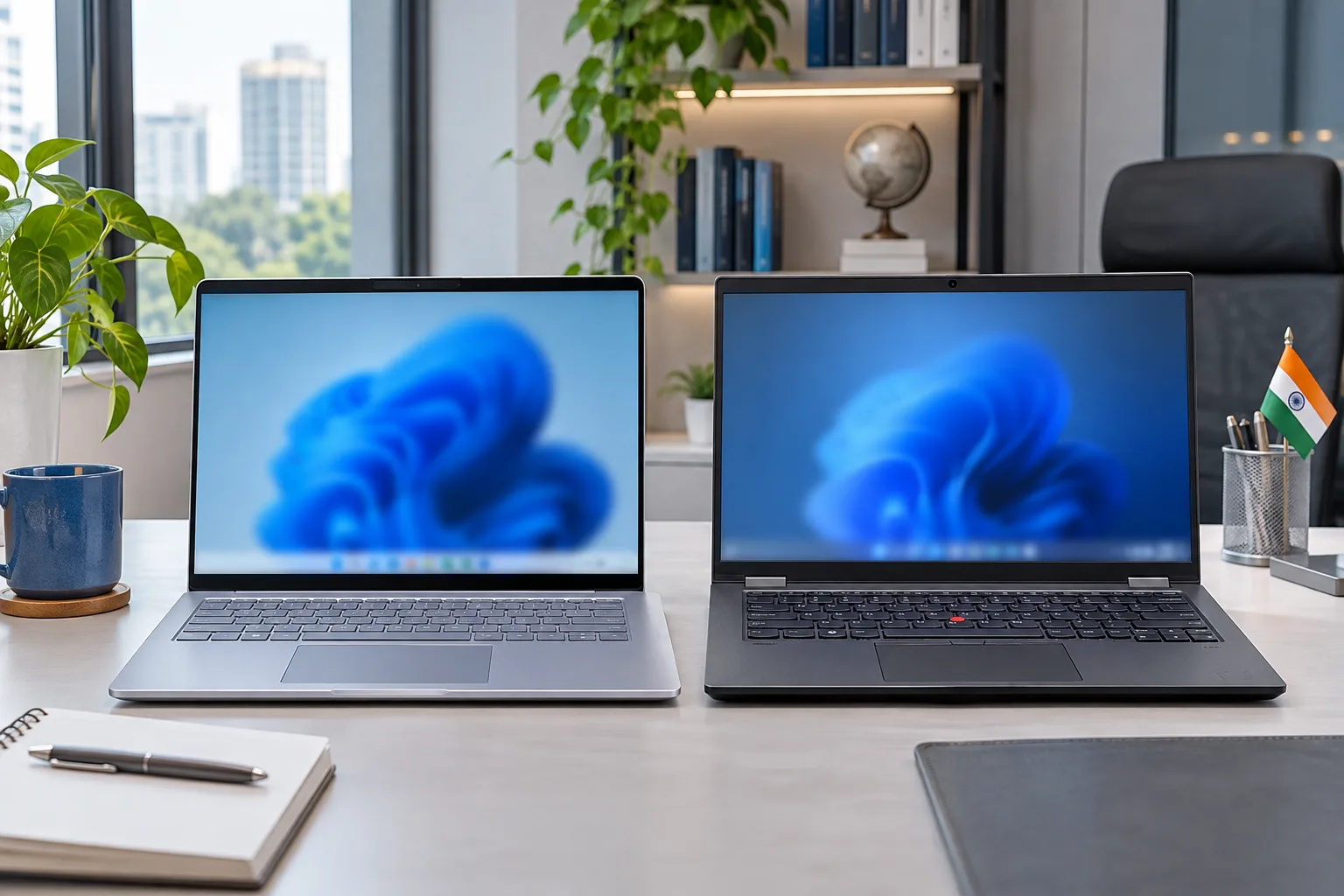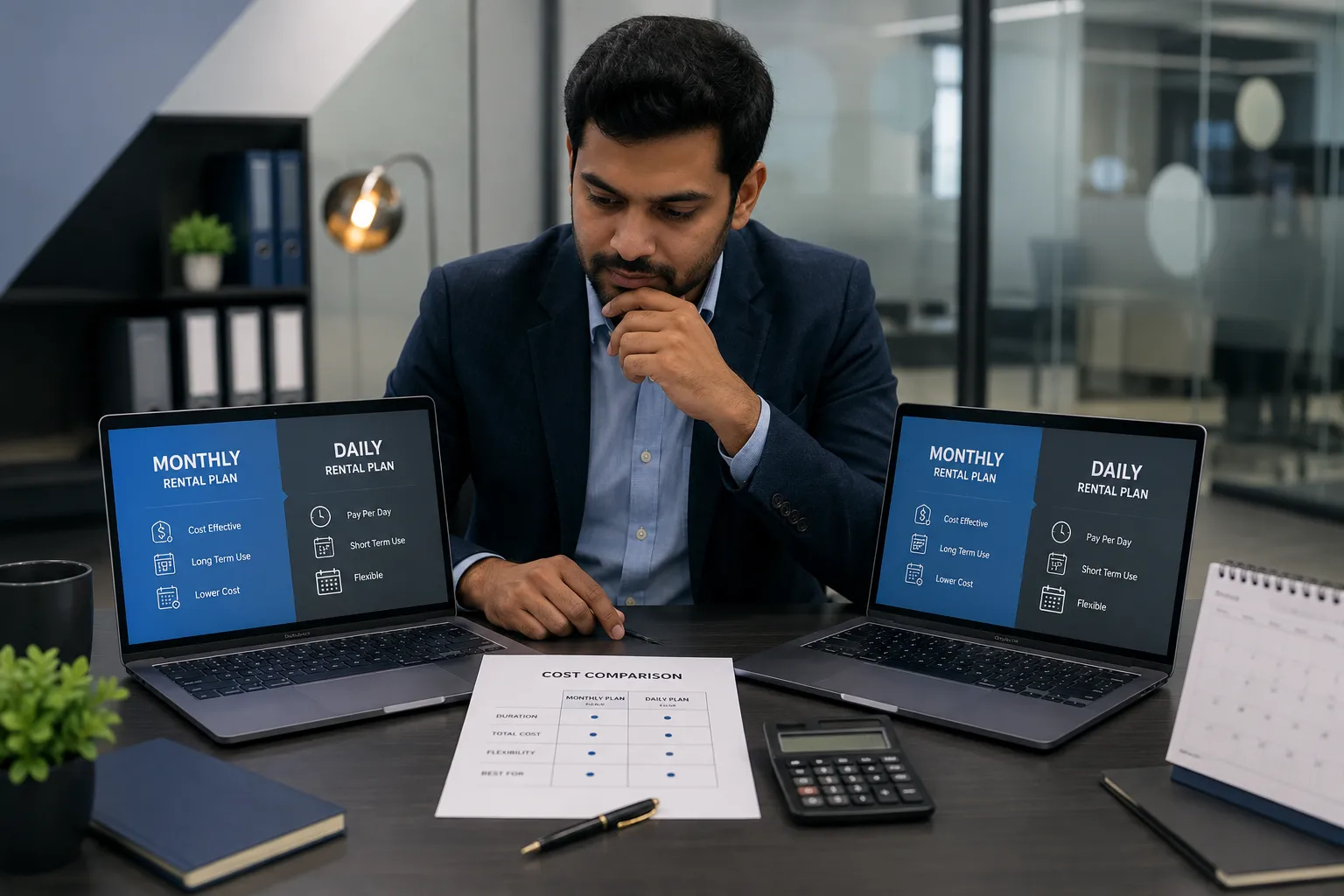
A monthly laptop rental usually saves more when you need a device for over five to eight continuous days. Daily rental works better for events, urgent replacements and very short assignments. Monthly plans reduce the effective daily cost, offer predictable billing and are easier to manage for students, freelancers, corporate teams and longer projects.
However, the cheapest option depends on the laptop model, specifications, rental duration, quantity, delivery charges, deposit and support terms. You should compare the complete payable amount rather than only the advertised daily or monthly price.
Which Rental Plan Saves More?

Monthly rental normally provides better value for continuous use. Rental providers can spread preparation, testing, delivery, collection and maintenance costs across a longer rental period. This reduces the effective daily rate compared with booking the same laptop one day at a time.
A practical guideline is:
• Choose daily rental for one to five days.
• Compare both plans for five to eight days.
• Choose monthly rental beyond one week.
• Request a long-term quote for three months or more.
These ranges are not fixed. Some providers apply minimum billing periods, logistics charges or weekly packages that change the break-even point.
The key takeaway is simple. Daily rental saves money only when your requirement is genuinely short. Monthly rental usually wins once the daily charges begin approaching the monthly rate.
What Does Laptop Rental Cost?
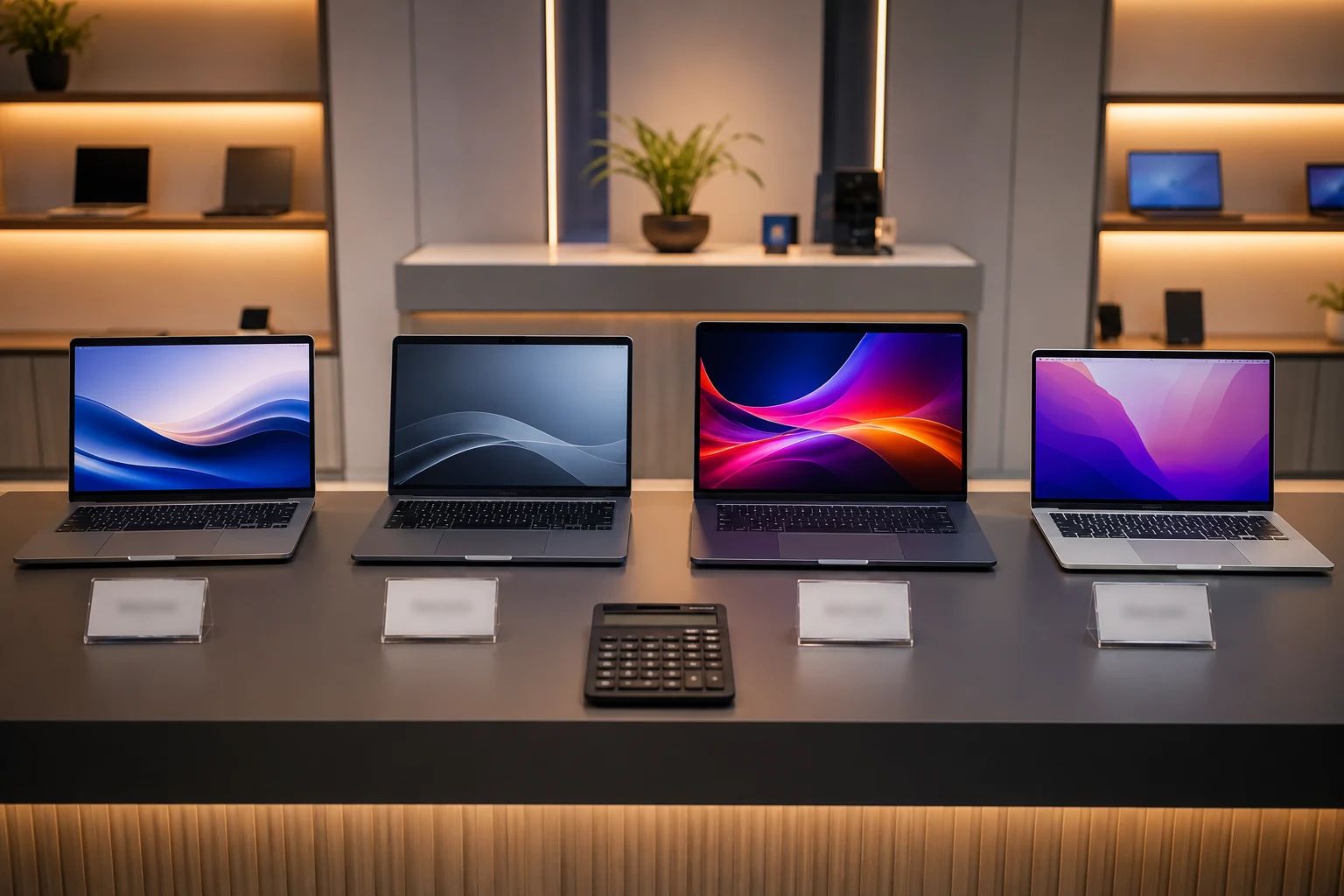
As of July 2026, laptop rental prices in India vary widely by model, processor, RAM, storage, graphics, device age, location and rental period. Entry-level laptops may start near ₹1,200 per month, while newer MacBooks, gaming laptops and professional workstations can cost ₹8,000 to ₹12,000 or more per month.
| Laptop category | Indicative daily range | Indicative monthly range |
| Basic Windows laptop | ₹250 to ₹350 | ₹1,200 to ₹2,000 |
| Business laptop | ₹400 to ₹600 | ₹2,200 to ₹3,500 |
| Performance laptop | ₹700 to ₹1,200 | ₹4,000 to ₹6,500 |
| MacBook | ₹900 to ₹1,500 | ₹5,000 to ₹8,500 |
| GPU workstation | ₹1,000 to ₹2,000+ | ₹6,000 to ₹12,000+ |
These are broad Indian market ranges, not fixed Rentlap prices. Your quote may differ based on availability, location, required configuration, quantity and support level.
Also check whether GST, delivery, pickup, refundable deposits, software setup or accessories are included. A low advertised rate can become expensive after these charges are added.
How Do Both Costs Compare?
Suppose a business laptop costs ₹500 per day or ₹2,800 per month. Three days would cost ₹1,500 on the daily plan, so daily rental is cheaper. Six days would cost ₹3,000, making the monthly plan slightly more affordable.
| Usage period | Daily plan at ₹500 | Monthly plan at ₹2,800 | Better choice |
| 2 days | ₹1,000 | ₹2,800 | Daily |
| 3 days | ₹1,500 | ₹2,800 | Daily |
| 6 days | ₹3,000 | ₹2,800 | Monthly |
| 10 days | ₹5,000 | ₹2,800 | Monthly |
This example shows why monthly rental can save money even when you only need the laptop for part of the month.
The comparison changes if delivery is included in one plan but charged separately in another. Always request a written breakdown showing rent, GST, delivery, pickup, deposit and any setup fees.
When Should You Rent Daily?
A laptop rent per day plan is suitable when your requirement has a clear and immediate end date. It prevents you from paying for unused weeks and gives you the flexibility to return the device as soon as your work is complete.
Daily rental works well for:
• One-day conferences
• Weekend workshops
• Short examinations
• Business presentations
• Client demonstrations
• Emergency laptop replacements
• Short production assignments
• Temporary access to specialist hardware
A short term laptop rental can also work for business travel or an urgent project while your regular device is being repaired.
However, check the minimum billable period. Some providers advertise a daily rate but require a three-day, seven-day or weekly minimum. Delivery and pickup charges can also make a one-day rental less economical than expected.
When Should You Rent Monthly?
Monthly rental is better when you need consistent access for several weeks. It gives you a fixed cost, avoids repeated bookings and allows you to continue working without worrying about daily extensions.
Monthly plans suit:
• College projects
• Online courses
• Internships
• Freelance assignments
• Temporary employees
• Remote teams
• Software projects
• Training programmes
• New office setups
• Business expansion
• Product testing
• Contract staff
For requirements lasting three months or longer, ask for a long term laptop rental quotation. Providers may offer lower per-device pricing for longer commitments, larger quantities or standardised configurations.
Monthly rental is not always cheaper than buying. If you need the same laptop for several years and can handle maintenance, repairs, upgrades and disposal, compare the total rental expense with the purchase cost.
What Affects the Final Price?

Rental duration is only one pricing factor. Two customers renting for the same period can receive different quotes because their configurations, cities, quantities and service needs are different.
The main pricing factors include:
1. Processor: Core i3 and Ryzen 3 devices generally cost less than Core i5, Core Ultra, Ryzen 7 or workstation processors.
2. RAM: A 16GB or 32GB laptop costs more than an 8GB model.
3. Storage: A 512GB SSD generally costs more than a 256GB SSD.
4. Graphics: Dedicated NVIDIA or professional GPUs increase the price.
5. Device generation: Newer laptops and MacBooks command higher rates.
6. Duration: Longer commitments often reduce the effective monthly cost.
7. Quantity: Bulk business orders may receive corporate pricing.
8. Location: Delivery distance and local stock affect logistics costs.
9. Support: Faster replacement and managed support may cost extra.
10. Accessories: Docks, monitors, mice, adapters and bags may be charged separately.
Share your actual workload, quantity, city and duration when requesting a quote. This helps the rental company recommend the correct device instead of simply offering the cheapest available laptop.
What Extra Costs Should You Check?
Many renters compare only the daily and monthly rates. This can lead to the wrong decision because the final cost may include logistics, deposits, accessories and support charges.
Check for:
• Delivery charges
• Return pickup charges
• GST
• Refundable security deposit
• Setup fees
• Software licences
• Replacement support
• Extension fees
• Late-return charges
• Missing-accessory charges
• Damage assessments
• Early-return restrictions
For example, a daily rental may look cheaper for three days, but two logistics charges can push the total above the monthly amount.
Ask for a complete quotation before paying. It should clearly separate refundable amounts from non-refundable rental and service charges.
What Should You Confirm First?
You should understand the commercial and operational terms before accepting a rental laptop. This includes what happens if the device fails, your project is extended or accidental damage occurs.
1. Is a deposit required?
A refundable deposit may depend on the device value, quantity, location, customer type and verification status. The amount should be confirmed before booking.
Review Rentlap’s security deposit policy to understand how deposits, adjustments and refunds are handled.
2. What damage is covered?
Do not assume every type of damage is covered. Accidental damage, liquid damage, theft, missing accessories and unauthorised repairs may have different conditions.
Read Rentlap’s damage policy before accepting the device.
3. Which KYC documents are needed?
Individuals may need identity and address proof. Students may require a student ID or guardian information. Businesses may need GST details, billing information and authorised contact details.
The requirements are explained in Rentlap’s KYC verification policy.
4. How quickly is delivery available?
Delivery depends on stock availability, payment, verification, location and logistics. Same-day delivery may be possible for selected devices and serviceable locations, but it should be confirmed before booking.
Check the delivery and pickup policy for applicable conditions.
How Do You Calculate Break-Even?
The break-even point is the number of days after which a monthly plan becomes cheaper than paying the daily rate.
Use this formula:
Break-even days = Monthly rental price ÷ Daily rental price
Example:
• Daily rent: ₹500
• Monthly rent: ₹2,800
• Calculation: ₹2,800 ÷ ₹500
• Break-even point: 5.6 days
In this case, daily rental is cheaper for up to five days. Monthly rental becomes cheaper from the sixth day.
For better accuracy, include delivery, pickup and mandatory setup charges in both totals. Refundable deposits should normally be excluded unless deductions or blocked cash flow are important to your decision.
How Can You Rent from Rentlap?
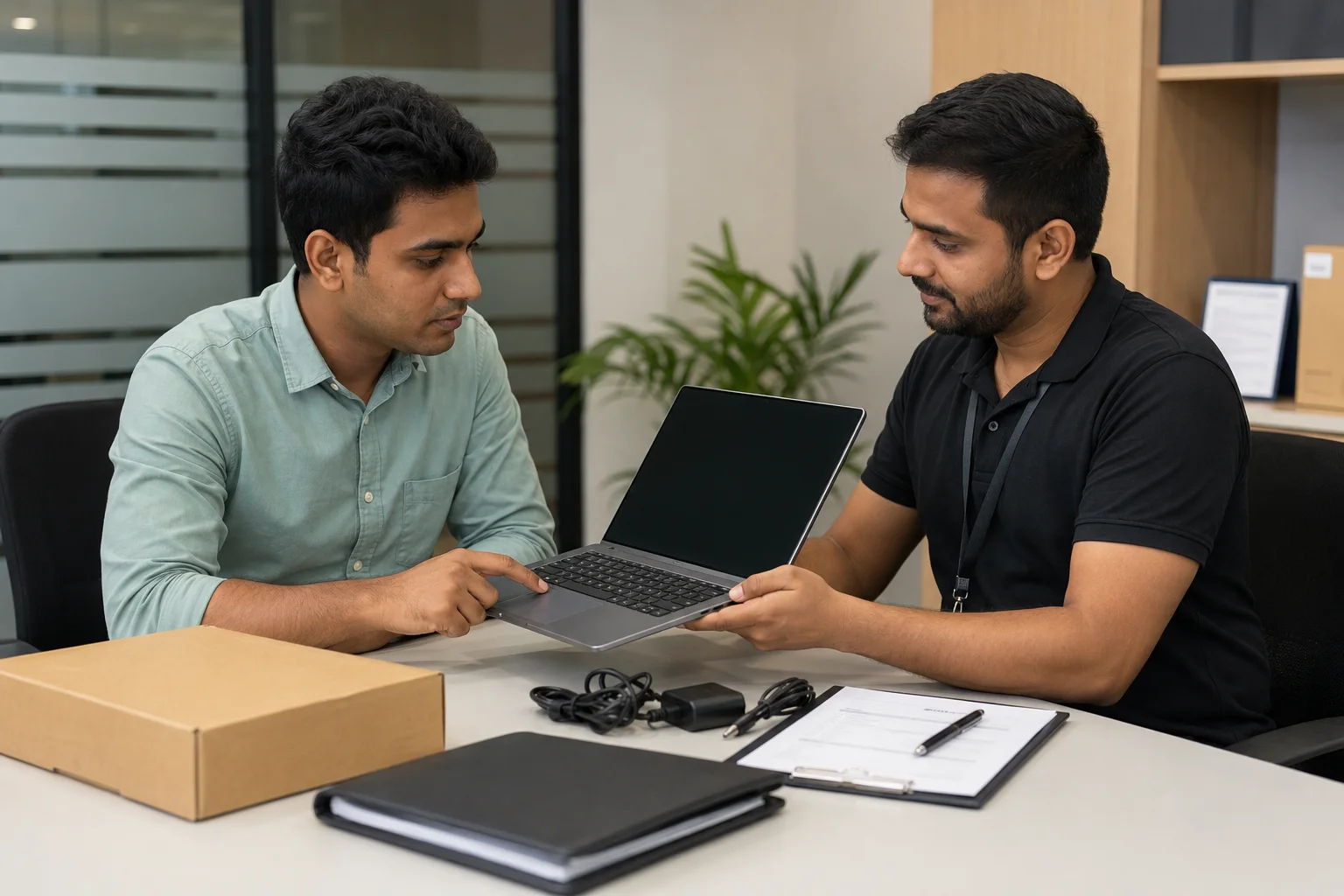
Rentlap follows an enquiry-based process. You share your device type, quantity, location, duration and intended use. The team checks stock and provides the applicable rent, deposit, KYC requirements, delivery terms and support information.
1. Browse available laptop options.
2. Select the required configuration.
3. Share your city and rental duration.
4. Mention the number of devices needed.
5. Review the quotation and deposit.
6. Complete KYC and payment.
7. Confirm delivery or pickup.
8. Return, renew or extend on time.
The complete process is available on the How Rentlap Works page.
Corporate customers should include the number of employees, required specifications, start date, delivery locations and expected contract length.
Monthly Laptop Rental FAQs
These common questions explain monthly laptop rental costs, daily rental pricing, minimum rental periods, student eligibility, business discounts and data security. Use them to compare plans before booking a laptop.
1. Is monthly laptop rental cheaper than daily rental?
Yes. Monthly rental is usually cheaper when you need a laptop for more than five to eight days. Compare the full daily and monthly costs, including delivery and pickup.
2. How much does laptop rent per day cost?
Laptop rent per day may range from about ₹250 to ₹1,500 or more. The price depends on the model, specifications, city, rental duration and support required.
3. What is the minimum short term laptop rental period?
The minimum period varies by device and provider. Some laptops are available for one day, while others may require a three-day, weekly or monthly booking.
4. Can students choose monthly laptop rental?
Yes. Students can rent laptops monthly for classes, projects, internships and exams. KYC documents, student ID and a refundable deposit may be required.