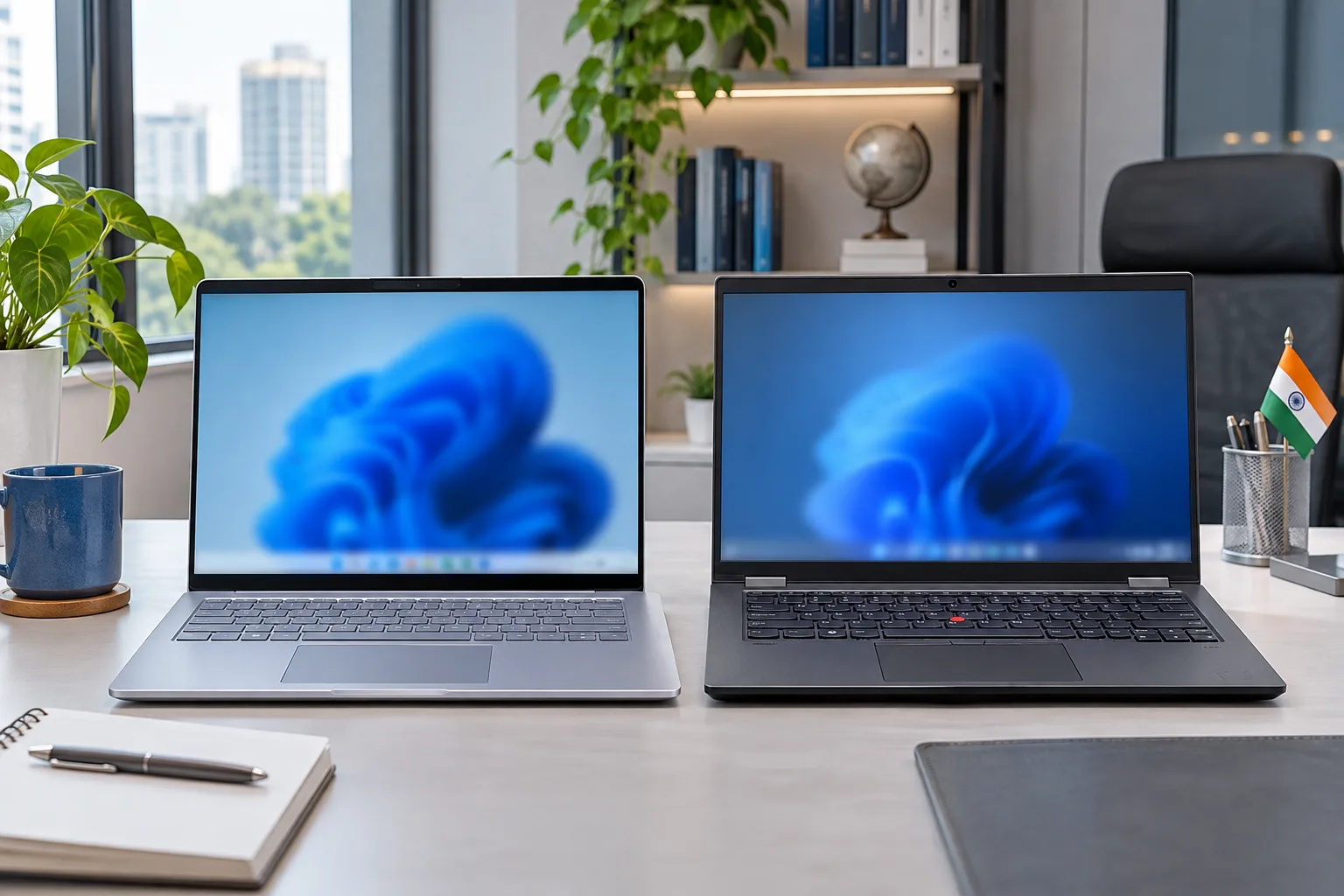
The rent vs buy laptop decision is not only about which option costs less today. It is about whether you need permanent ownership or temporary access to the right device. Renting usually works better for short-term, uncertain or changing requirements. Buying usually makes more sense when you expect to use the same laptop regularly for several years.
What Are You Really Choosing?

You are choosing between access and ownership. Renting gives you the right to use a laptop for an agreed period. Buying makes the laptop your asset and gives you control over how long you keep it, how you configure it and when you replace it.
This difference affects cash flow, repairs, upgrades, support and what happens when the laptop is no longer needed. A student attending a four-month course has a different requirement from a freelancer who works every day. A temporary project team also has different needs from a permanent employee.
How Does Renting Compare With Buying?
A useful laptop rental vs purchase comparison should go beyond monthly rent and retail price. Renting reduces the initial commitment and can make device changes easier. Buying requires more money upfront but may deliver better value when the laptop remains useful for a long time.
| Decision factor | Renting a laptop | Buying a laptop |
| Initial spending | Usually lower | Usually higher |
| Ownership | No ownership | Full ownership |
| Best suited period | Temporary use | Long and stable use |
| Repairs | Depends on rental terms | Owner manages them |
| Upgrades | Change the rented model | Upgrade or buy again |
| Customisation | May be limited | Greater control |
| End of usage | Return or extend | Keep, sell or reuse |
| Unused device risk | Lower | Higher |
| Resale value | Not available | Possible |
The table gives a starting point. Your final choice should still reflect usage duration, expected changes and how important ownership is to you.
How Long Will You Need It?
Duration is one of the strongest decision factors. A laptop needed for three months may not justify a full purchase. A laptop used every day for four years may be costly to rent throughout that period.
Renting may suit a semester, internship, event, temporary role or client project. Buying becomes more attractive when the device will remain part of your daily work, education or business.
Ask yourself these questions.
• Is the requirement temporary or permanent
• Could the project end earlier than expected
•Will the same specifications remain useful
• Can another person use the device later
• Can you resell it when you are done
• Would it remain unused in storage
There is no universal break-even month. A basic office laptop, premium MacBook and gaming laptop will all produce different answers.
What Is the Real Cost of Buying?

The purchase bill is only the first part of laptop ownership. Over time, you may need to pay for repairs, battery service, accessories, warranty extensions and upgrades. The device also loses value as newer models appear.
Common ownership costs include the following.
• Purchase price and EMI interest
• Extended warranty
• Battery or charger replacement
• Screen and keyboard repairs
• RAM or storage upgrades
• Software licences
• Accidental damage
•Reduced resale value
Buying also creates responsibility. You must manage service centre visits, warranty claims, backups and downtime. A purchased laptop can still provide excellent value, but you should calculate what it may cost to keep the device useful.
What Costs Come With Renting?
Renting avoids permanent ownership costs, but it has its own conditions. The rental payment may be accompanied by a refundable deposit, delivery charges, verification requirements or charges for late return, damage and missing accessories.
Before confirming a rental, check the following.
• Total rental amount
• Minimum rental period
• Security deposit
• Delivery and pickup charges
• Included accessories
• Support and replacement terms
• Extension process
• Damage responsibility
• Cancellation rules
Rentlap follows an enquiry-based process. You select a device, submit your requirement and receive pricing and availability based on the laptop, duration, quantity and location. Review the complete laptop renting process before paying.
A refundable deposit is not usually a final expense when the device is returned correctly. It still blocks part of your available cash until inspection is complete.
When Is Renting Better?
Renting is usually better when flexibility is more valuable than ownership. It lets you use a suitable device without committing to hardware that may become unnecessary after the requirement ends.
Renting can work well for these situations.
• College semester or short course
• Internship or temporary job
• Client assignment
• Business event or examination
• Corporate training
• Seasonal hiring
• Replacement during repair
• Short creative project
• Software testing
• Bulk onboarding
Renting also helps when the required configuration may change. A standard office laptop may suit the current project, while a later assignment may require more memory, stronger graphics or a different operating system.
The option lowers the risk of unused hardware because the laptop can be returned when the course, event or project ends.
When Is Buying Better?
Buying works better when your requirement is stable and long term. You gain permanent ownership and can continue using the laptop without renewal dates or return conditions.
Buying may suit you when these points apply.
• You use the laptop every day
• You expect to keep it for several years
• Your software needs are stable
• You want full administrative control
• You need permanent offline access
• You plan to upgrade storage or memory
• You want to resell the laptop later
• You can manage repairs and downtime
Ownership also gives you more freedom to customise the device. You can change the operating system, replace compatible parts and keep the laptop as a backup after upgrading.
What Should Students and Freelancers Choose?

Students should consider course length, software needs and future use. Renting may be practical for a semester, internship, examination or short programme. Buying may provide better value when the laptop will support several years of study.
A student attending a four-month coding course may not need permanent ownership. A computer science, architecture or design student in a multi-year programme may benefit from buying because the laptop will be used across several subjects and projects.
Freelancers should consider how closely the laptop is connected to their income. A writer or consultant with a stable daily workload may prefer buying. A video editor may rent a powerful laptop for one assignment, while a developer may rent a MacBook for temporary macOS testing.
Students and freelancers should compare expected usage, required software, hardware needs, repair budgets and future projects. A mixed approach can also work. You can own a regular laptop and rent a higher-performance device only when a project requires it.
What Should Businesses Choose?

Businesses should compare workforce stability rather than using one approach for every employee. Buying may work for permanent teams with predictable roles. Renting may be better for temporary staff, changing headcounts and short client contracts.
Laptop rental can support rapid onboarding, contract hiring, trainee batches, client projects, remote teams, events, temporary branches and delayed procurement.
Buying a large fleet creates asset management work. The company must track devices, handle repairs, manage warranties, store unused laptops and dispose of ageing equipment.
Renting allows the device count to match current demand. Businesses should still review deposits, support, replacement, delivery, pickup and return terms before confirming a bulk order.
How Can You Make the Decision?
Use a structured process rather than relying on one general rule.
1. Define the work - List the software, RAM, storage, graphics and operating system you need.
2. Estimate the duration - Decide whether the requirement will last for weeks, months or years.
3. Compare similar devices - Use equivalent configurations for rental and purchase options.
4. Add hidden costs - Include repairs, accessories, support, deposits and resale value.
5. Consider future change - Think about whether your workload or team size may change.
6. Review control needs - Decide whether you need ownership, upgrades or strict data control.
7. Plan for downtime - Understand how repair or replacement will be handled.
8. Read the agreement - Confirm delivery, return, extension, deposit and damage conditions.
This method gives you a better answer than comparing one month of rent with the full purchase price.
Which Option Should You Choose?
Choose renting when the requirement is temporary, specifications may change or you want to avoid committing money to a device that may become unused. Choose buying when you need the laptop regularly for several years and want permanent control, customisation and possible resale value.
There is no single winner for every user. Your answer should reflect duration, workload, budget, support needs, data requirements and future plans.
Browse available laptops for rent or contact Rentlap with your required configuration, location, quantity and rental period to request availability and a quotation.
Frequently Asked Questions About Rent vs Buy Laptop
Still deciding whether renting or buying is right for you? These quick answers cover common questions about cost, deposits, business use, student needs, software installation and rental extensions.
1. Should I Rent or Buy a Laptop?
Rent for temporary or changing needs. Buy when you expect regular use for several years and want full ownership.
2. Is Laptop Rental Worth It?
It can suit projects, courses, events, temporary jobs and changing business teams. Review the complete rental terms first.
3. Is Buying Better for Students?
Buying may suit a multi-year course. Renting can work for one semester, an internship, examination or short programme.
4. Can Businesses Rent Laptops in Bulk?
Yes. Businesses can request multiple devices based on configuration, quantity, location and rental duration.
5. Is the Rental Deposit Refundable?
It may be refunded after inspection and clearance of pending rent, damage or missing accessory charges.
6. Can I Install Software?
You may install permitted and licensed software. Remove your accounts and data before returning the laptop.
7. What Happens After Damage?
Repair or replacement charges may apply depending on the cause, condition and agreed damage terms.
8. Can I Extend the Rental?
An extension may be possible based on availability. Request approval before the original rental period ends.