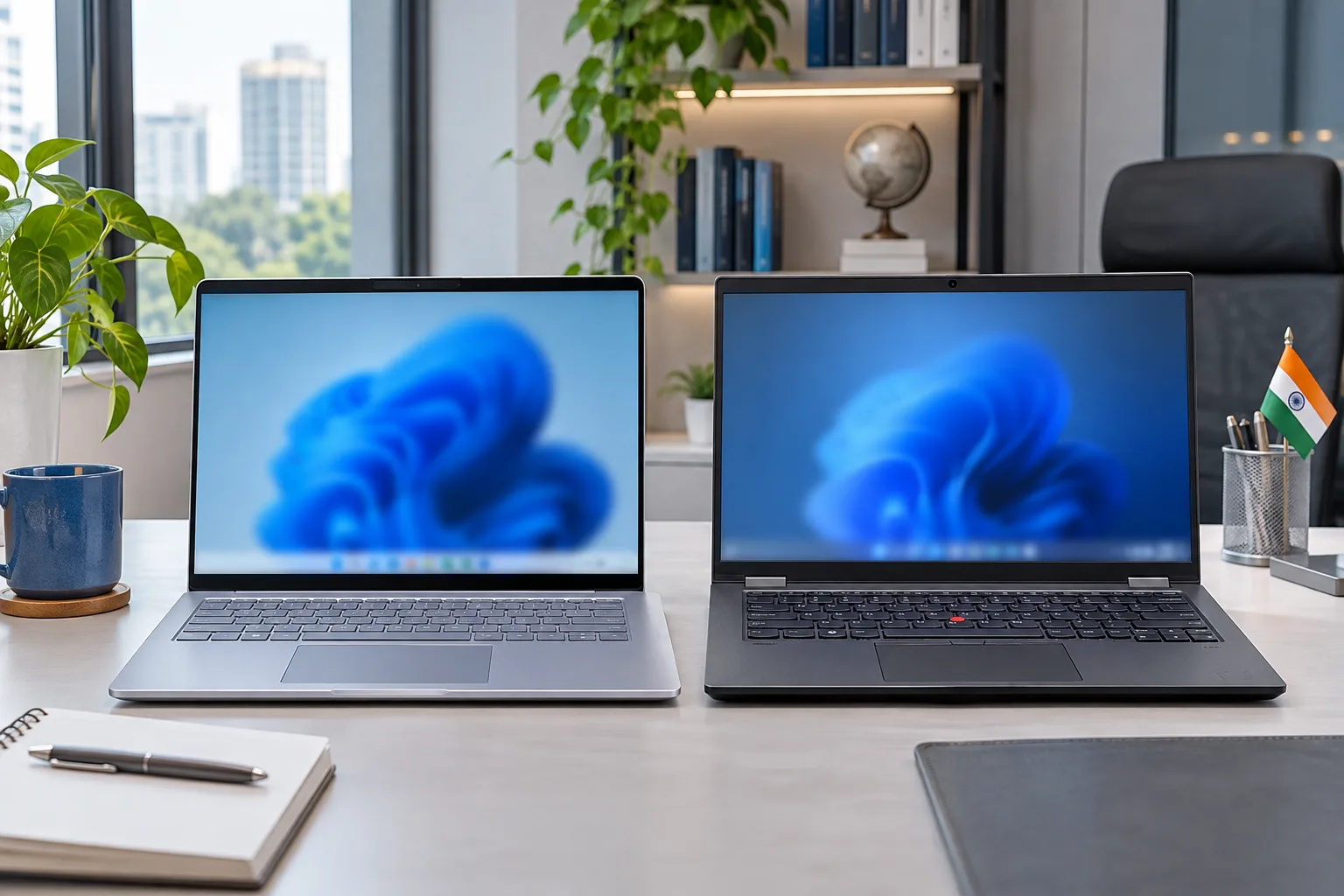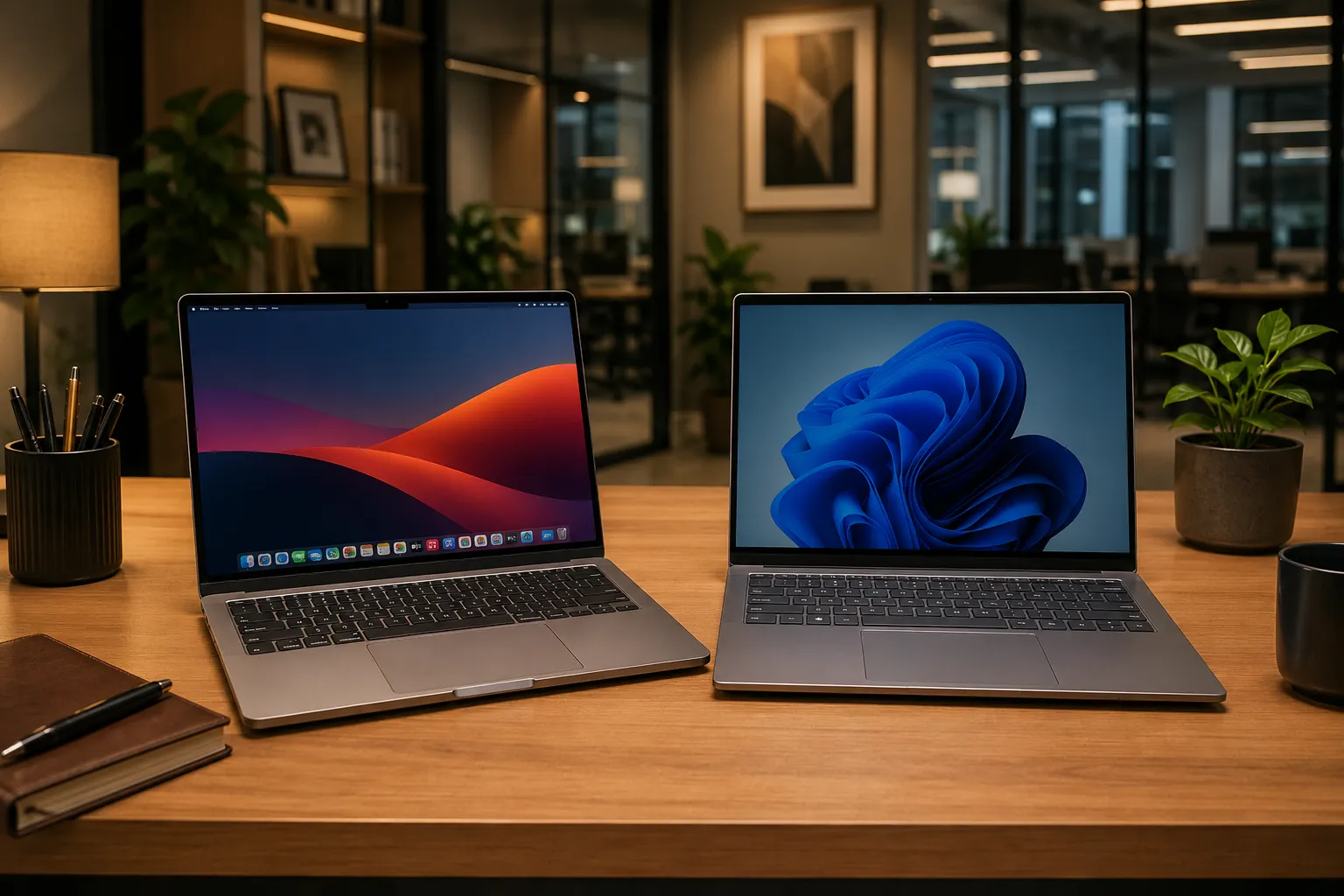
If you're comparing MacBook vs Windows laptop rent in India, Windows is usually the more affordable choice for standard office and study requirements. MacBooks can be better for creative work, software development and Apple-based workflows. For companies, the best option is often a mixed fleet that gives each employee the right device without spending more than necessary.
Rental prices vary by model, RAM, storage, processor, graphics, rental period, quantity and delivery location. This is why you should compare the complete rental cost and workload fit instead of choosing only by brand.
Which option is cheaper to rent?
Windows laptops usually cost less to rent at the entry and mainstream business levels, while premium Windows workstations can cost as much as high-end MacBooks. Current Rentlap listings show Windows options starting near ₹1,199 per month, while MacBook rentals generally start near ₹2,999 per month.
| Rental requirement | Windows laptop | MacBook | Better fit |
| Basic study and office work | About ₹1,199 to ₹2,500/month | About ₹2,999 to ₹4,500/month | Windows |
| Premium office work | About ₹3,000 to ₹5,500/month | About ₹4,500 to ₹7,000/month | Depends on software |
| Creative or development work | About ₹5,000 to ₹10,000/month | About ₹5,500 to ₹13,000/month | Workload dependent |
| High-end workstation use | About ₹10,000 to ₹17,000/month | About ₹13,000 to ₹20,000/month | Depends on GPU and apps |
These are indicative ranges rather than fixed national prices. Entry-level Windows laptops may fall close to ₹1,199 to ₹2,500 per month, while MacBook Air and MacBook Pro rentals usually sit in higher pricing bands based on processor, memory and storage.
Premium Windows workstations and high-end MacBook Pro models can both move above ₹10,000 per month. This is why comparing similar specifications is more useful than comparing the cheapest device from each platform.
You can also review currently available MacBook rental options before deciding which configuration fits your budget.
What specs are current in 2026?
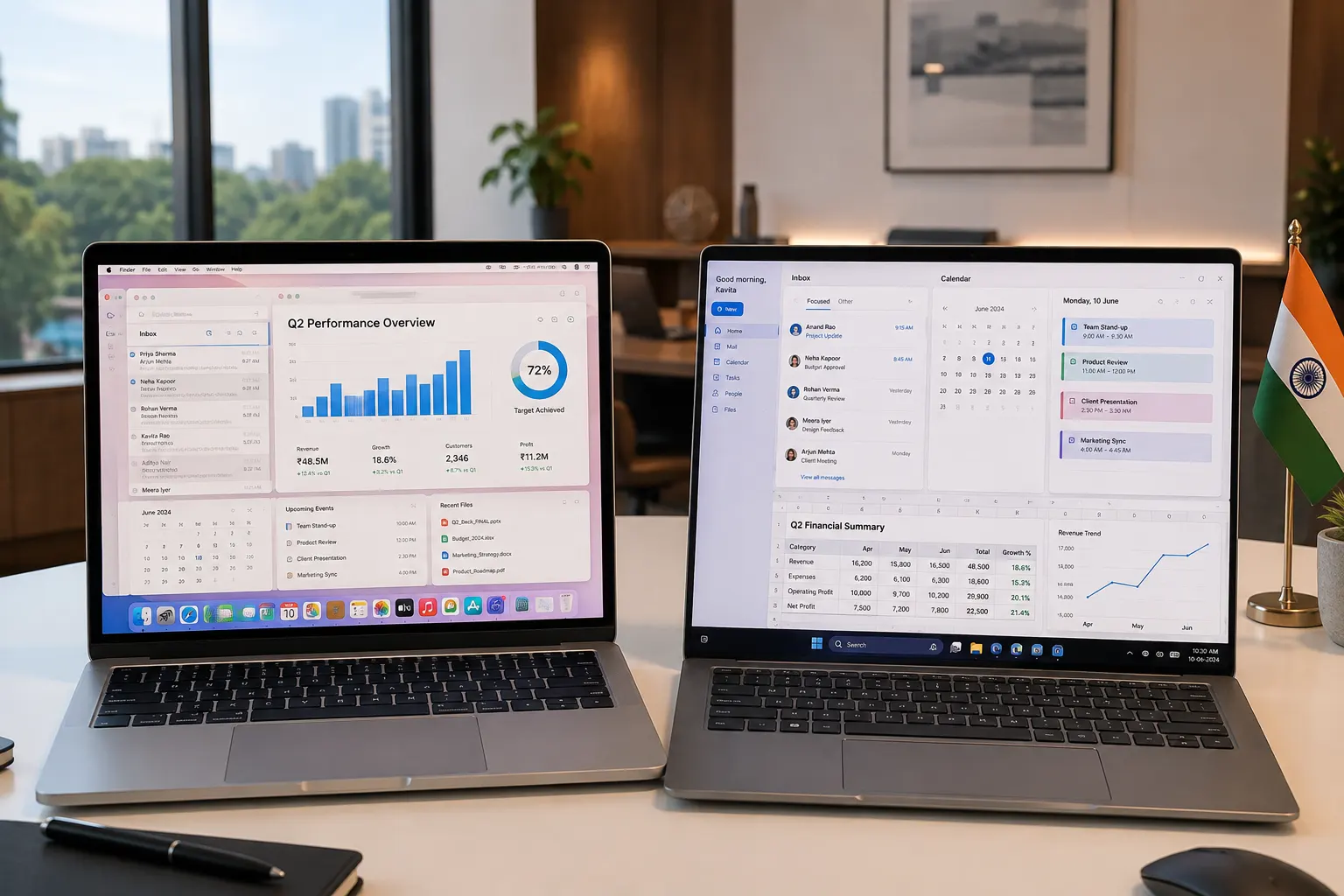
Modern laptops in 2026 increasingly use 16GB RAM and 512GB SSD storage as a practical configuration for professional work. Apple's current MacBook Air M5 starts with 16GB unified memory and 512GB SSD storage, while higher-end MacBook Pro models offer more memory and processing power for demanding workloads.
Apple's official MacBook Air specifications list the M5 chip with a 10-core CPU and unified memory starting at 16GB. Windows laptops offer a wider range of Intel Core, Intel Core Ultra and AMD Ryzen processors across entry, business and workstation categories.
A practical configuration guide is:
• Basic office work: 8GB to 16GB RAM, 256GB to 512GB SSD
• Professional office work: 16GB RAM, 512GB SSD
• Development and design: 16GB to 32GB RAM
• Video editing: 16GB to 32GB RAM or more
• 3D, CAD or AI workloads: 32GB or more with suitable graphics
The right specification should depend on the applications you actually use. Renting a more powerful laptop than required increases monthly cost without necessarily improving day-to-day productivity.
Which is better for office work?

For general office work, Windows usually provides greater hardware choice and more flexible rental pricing. It works well for Microsoft Office, accounting software, ERP systems, browser-based applications and many enterprise tools used by corporate teams.
Companies also have more freedom to choose from different Windows configurations based on department requirements and budgets. This makes Windows practical when a business needs dozens or hundreds of devices without giving every employee the same high-end specification.
Windows laptops are commonly suitable for:
• Finance and accounting teams
• HR and administration
• Sales teams
• Operations staff
• Data and reporting teams
• General office users
Microsoft's official Windows for Business documentation also highlights business security features such as BitLocker and Windows Hello.
MacBooks can still be a strong option for executives, remote professionals, designers and teams already working within Apple's ecosystem. The better choice depends on the software employees need and how the organisation manages its devices.
Which suits creative and technical work?
Your software requirements should decide whether you rent MacBook or Windows, not the brand name alone. MacBooks are widely used for design, development, video production and other creative workflows, while Windows laptops offer broader hardware choices and access to many specialised applications.
MacBooks can work particularly well for developers using Apple tools, designers working with creative software and professionals who prefer lightweight devices with strong battery efficiency. Windows machines are often preferred for CAD, engineering, Power BI, business applications and workloads that need dedicated NVIDIA graphics.
For example, Microsoft's current Power BI Desktop requirements list Windows as the supported desktop operating system.
Before renting for technical work, compare the exact application requirements with the laptop's processor, RAM, storage and graphics configuration. This prevents paying for a device that looks premium but does not support your actual workload.
How do bulk rentals change pricing?
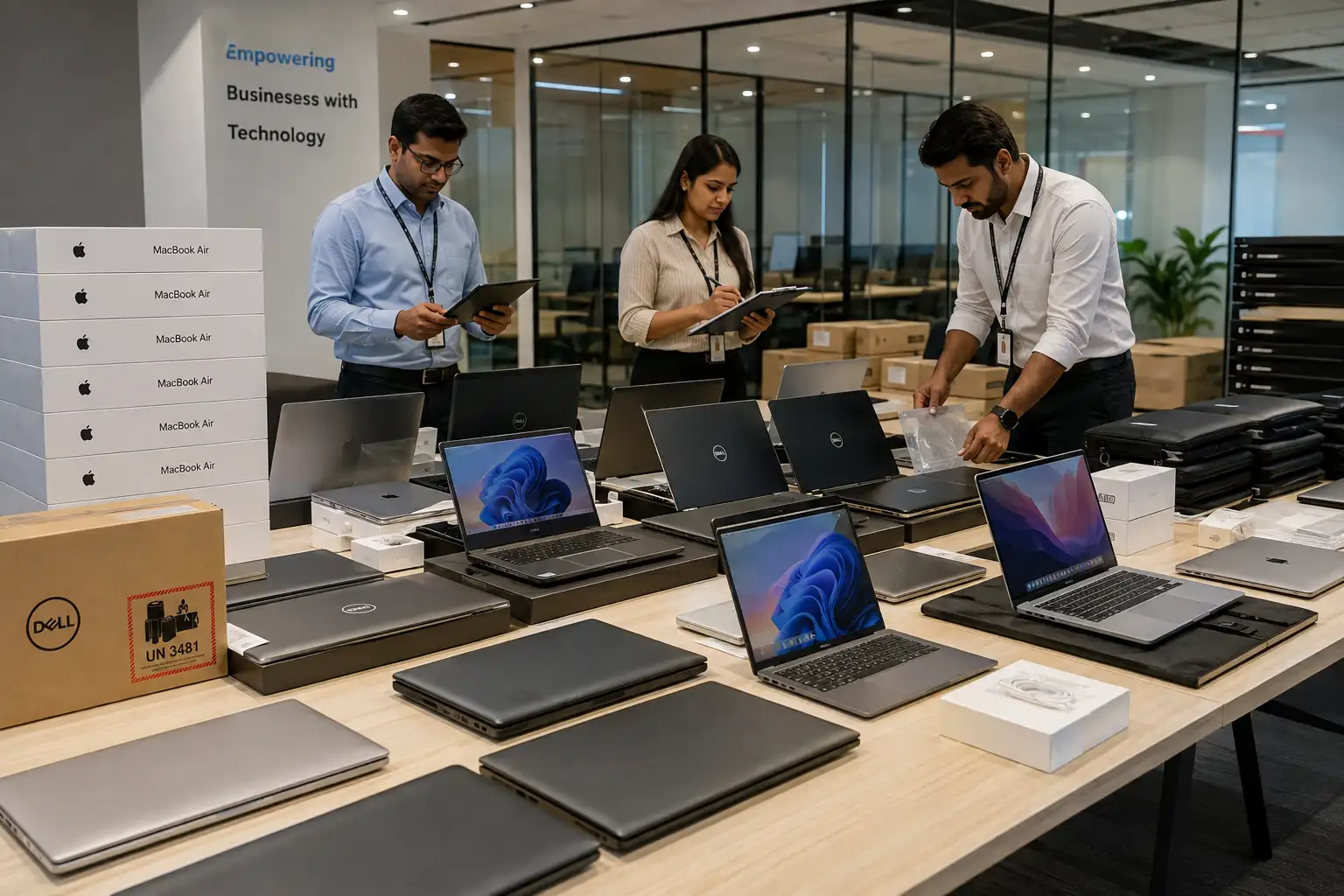
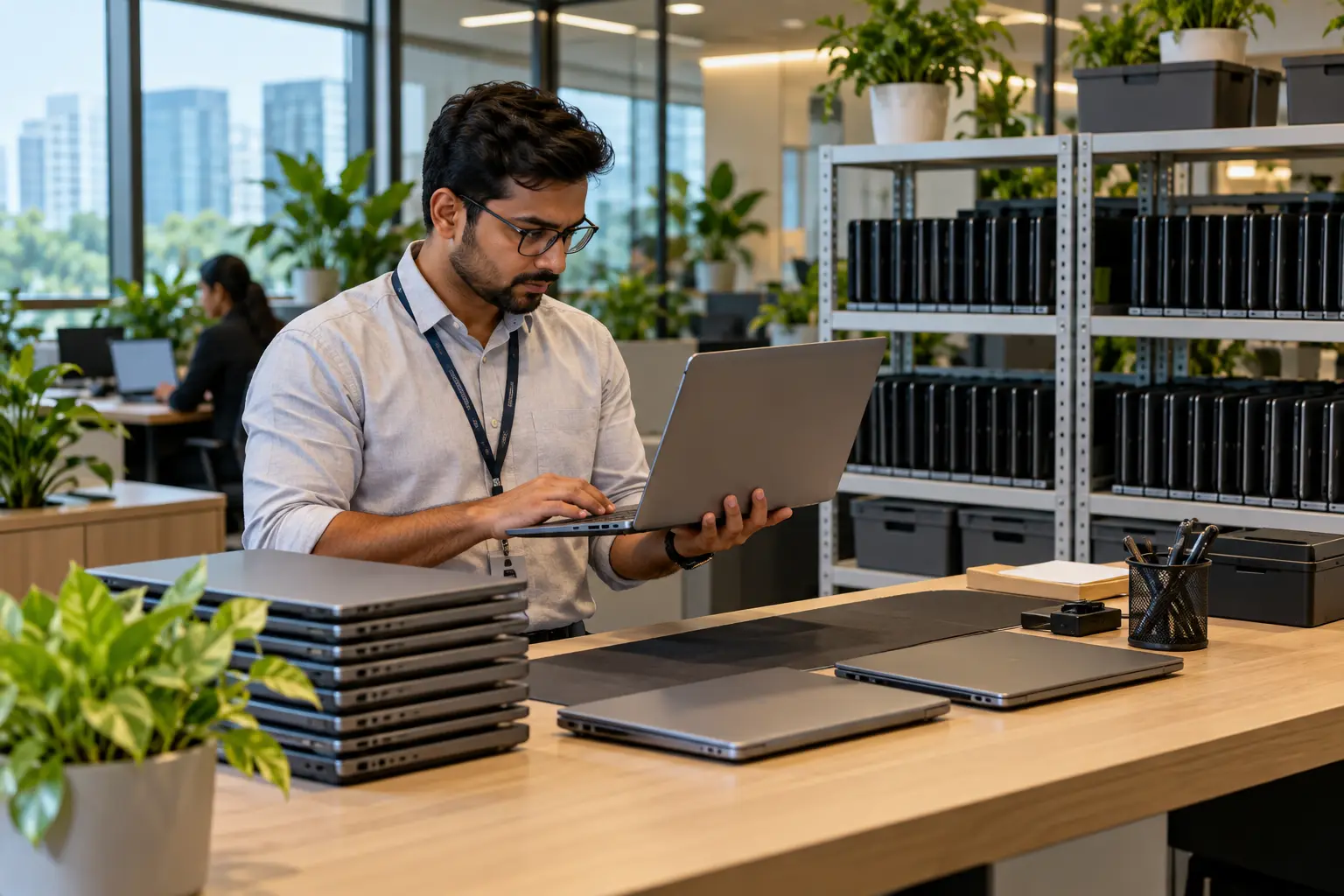
Bulk laptop rentals for companies are usually based on customised quotations instead of one fixed monthly price. Quantity, configuration, rental duration, delivery location and support requirements can all influence the final commercial rate offered for the order.
Rentlap's rental terms explain that business and bulk rental orders may have separate commercial terms depending on the requirement. Procurement teams should therefore compare the complete quotation rather than focusing only on the monthly rental figure.
Important details to check include:
• Monthly price per laptop
• Exact processor, RAM and storage
• Total quantity
• Rental period
• Refundable security deposit
• Delivery and pickup charges
• GST and billing terms
• Replacement support
• Damage liability
• Extension pricing
For example, if 30 laptops differ by ₹500 per month, the total monthly difference becomes ₹15,000. Over six months, that difference reaches ₹90,000, which makes device standardisation and correct configuration selection important for large orders.
When does renting beat buying?
Laptop rental often makes more sense when the requirement is temporary, changing or linked to a specific project. Buying can be more suitable when the same laptop will be used continuously for several years and the organisation is comfortable owning and maintaining the asset.
Renting is particularly useful for temporary staffing, internships, client projects, training programmes, events, remote teams and short-term expansions. It reduces the need to make a large upfront investment for devices that may only be required for a few months.
For example, a MacBook rented at ₹4,499 per month would cost around ₹13,497 for three months, ₹26,994 for six months and ₹53,988 for twelve months. A refundable security deposit should not be treated as a permanent cost when it is returned fully after inspection.
Buying may become more practical when usage is long term, hardware requirements are stable and the organisation has an internal IT team to manage maintenance, upgrades, resale and disposal.
What costs sit beyond monthly rent?
The advertised rental rate is only one part of the total cost. You should also consider deposits, delivery, verification, damage liability and return conditions before comparing one rental offer with another.
Depending on the order, additional considerations may include:
• Refundable security deposit
• Delivery and pickup charges
• Taxes
• Late return charges
• Damage costs
• Missing accessory charges
• Rental extension charges
Reading the relevant policies before payment helps you understand which amounts are refundable and which costs may apply only in specific situations.
Is a security deposit required?
A refundable security deposit may apply depending on the laptop value, rental period, customer type, location and order quantity. Premium MacBooks and high-value Windows workstations may have different deposit requirements from basic office laptops.
Rentlap's security deposit policy explains that the deposit can vary between orders. The final amount should therefore be confirmed before you complete the rental.
The deposit is generally processed for refund after the device and accessories are returned, inspected and cleared of outstanding dues.
What verification is needed?
KYC requirements depend on whether the rental is being booked by an individual or a company. Verification helps confirm customer details before high-value devices are handed over.
Rentlap's KYC verification policy explains that individuals may need identity and address verification, while businesses can be asked for company information, GST details, authorised contacts or purchase documentation.
Larger bulk orders may require additional verification because the total value and number of devices are higher.
How does delivery work?
Delivery time depends on stock availability, selected model, quantity, KYC completion, payment and delivery location. A single available laptop can usually be arranged faster than a large order requiring identical configurations.
Rentlap's delivery and pickup policy explains that delivery timelines can vary. Current product listings commonly show estimated delivery within 2 to 5 days, while selected available models may be delivered sooner.
For bulk orders, confirm the complete delivery schedule before planning employee onboarding, events or project start dates.
What does insurance cover?
Rentlap markets its rental service as insured, but insurance does not automatically mean the customer has no responsibility for damage, theft or missing equipment.
The damage policy explains situations where repair or replacement charges may apply. Physical damage, liquid damage, missing accessories, theft or misuse can affect customer liability depending on the circumstances.
Always check the quotation and rental agreement to understand what is covered before taking possession of the device.
How should data be handled on return?
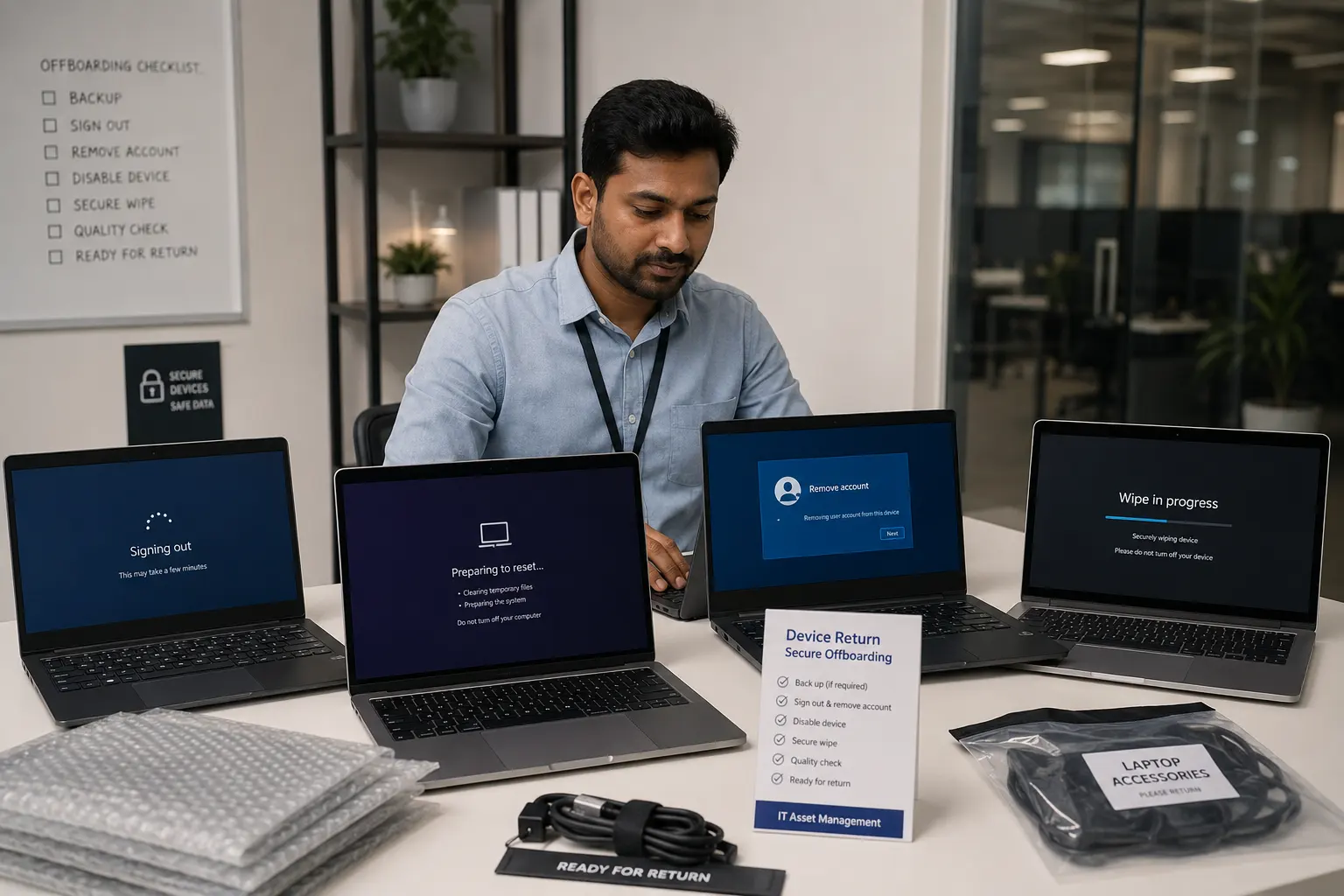
You should remove all personal and business information before returning a rented laptop. This is particularly important for companies handling customer information, confidential documents, employee data or internal project files.
Before returning the device, users should back up required files, sign out of email and cloud accounts, remove passwords and PINs, disconnect Apple or Microsoft accounts and remove company management profiles.
IT teams should also check for VPN credentials, browser sessions, SSH keys, locally saved documents and other company access information. Rentlap's delivery and pickup policy states that users should remove personal files, accounts and device locks before return.
What do most comparisons miss?
Many Apple vs Windows for work comparisons focus mainly on performance, design, battery life and operating systems. A rental decision also includes commercial terms, support, logistics and return conditions, which can affect the total cost and user experience.
Corporate IT and procurement teams should check whether the software is compatible, whether all laptops have the same configuration and whether replacement support is clearly defined. Deposits, delivery charges, extension pricing and device return conditions should also be understood before approval.
These factors matter even more for bulk orders because a small difference in monthly pricing or support terms can become significant across dozens of laptops.
Which should you rent?
Choose a Windows laptop if you need lower entry pricing, broad business software compatibility and a wider range of hardware configurations. Choose a MacBook if your workflow depends on macOS, Apple development tools, creative applications or strong integration with other Apple devices.
For companies, a mixed fleet can often provide better value than choosing one operating system for everyone. General office teams may use Windows laptops, while developers, designers and selected professionals can use MacBooks where their work justifies the additional rental cost.
You can compare available laptops for rent and request pricing based on your preferred models, quantity, rental duration and delivery location.
Get a rental quote before purchasing hardware. For bulk requirements, request a clear quote covering monthly rent, deposit, logistics, replacement support and return conditions
FAQs About MacBook vs Windows Laptop Rent
These MacBook vs Windows laptop rent FAQs cover common questions about rental pricing, delivery, deposits, bulk requirements and choosing between Apple and Windows devices. They can help businesses, professionals, freelancers and students make a quicker rental decision.
1. Is MacBook rent higher than Windows?
Usually, yes. Entry-level Windows laptops generally cost less to rent than MacBooks. Premium Windows workstations and high-performance models can still reach similar monthly prices.
2. Can companies rent MacBooks and Windows together?
Yes. Companies can create mixed fleets and assign Windows or MacBook devices according to each employee's software, workload and department requirements.
3. Is a security deposit required?
A refundable security deposit may apply depending on the model, rental period, quantity and verification. The exact amount should be confirmed before booking.
4. What is the minimum rental period?
Rental tenure can vary by model, location and availability. Short-term and longer rental options may be offered depending on the requirement.
5. How fast can rented laptops be delivered?
Delivery depends on stock, quantity, location, payment and KYC approval. Many listings show around 2 to 5 days, while selected devices may arrive sooner.
6. What happens to data after return?
Users should remove files, accounts, passwords and device locks before pickup. Companies should also follow their internal data removal and device offboarding process.
7. Are rented laptops insured?
Rentlap markets its rental devices as insured, but some damage, theft or missing equipment situations may still involve customer charges under the applicable rental terms.