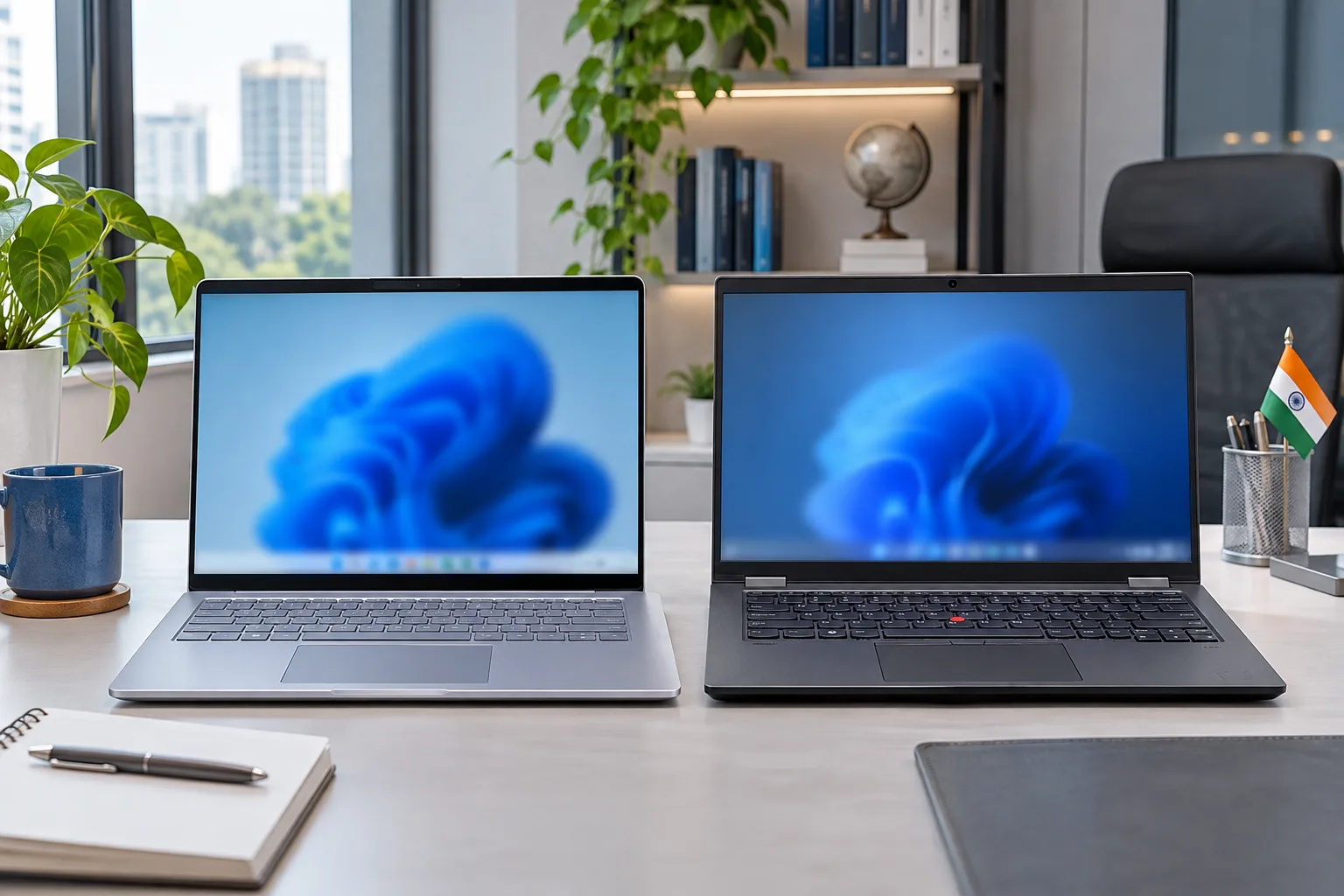
The MacBook rental cost in India usually starts around ₹3,500 per month for older MacBook Air models and can go above ₹20,000 per month for high-end MacBook Pro models. As of 3 July 2026, the final price depends on the model, chip, RAM, storage, rental duration, city, deposit, and whether you need one MacBook or a bulk corporate order.
How much does a MacBook cost?
A MacBook rental price in India generally falls into three practical bands: entry MacBook Air rentals, mid-range MacBook Air or older Pro rentals, and premium MacBook Pro rentals. Rentlap’s live MacBook rental listings show monthly prices from ₹3,500 for MacBook Air M1 to around ₹19,999 for high-end MacBook Pro M5 Max models, with refundable deposits varying by device.
| MacBook type | Typical monthly rental range | Best for |
| MacBook Air M1, M2 | ₹3,500 to ₹4,500 | Students, freelancers, online classes, and office work |
| MacBook Air M3, M4, M5 | ₹4,499 to ₹6,999 | Remote work, design basics, coding, and travel work |
| MacBook Pro M1 Pro, M2 Pro | ₹5,500 to ₹6,500 | Developers, editors, business users |
| MacBook Pro M3 Pro, M4 Pro | ₹6,999 to ₹7,500 | App development, design, video editing |
| MacBook Pro M5, M5 Pro | ₹9,500 to ₹12,999 | AI work, heavy coding, creative production |
| MacBook Pro M5 Max | ₹17,999 to ₹19,999+ | Studios, high-end editing, 3D, enterprise teams |
The wider Indian rental market can show much larger ranges for premium Pro models, especially for short durations, latest chips, and high-storage variants. Some public rental listings show MacBook Pro rental cost bands from ₹12,000 to ₹42,000 or more, depending on model and tenure.
Takeaway: Use ₹3,500 to ₹7,000 per month for practical Air and older Pro ranges, and ₹9,500 to ₹20,000+ per month for newer Pro models.
Why does pricing change?
MacBook rental pricing changes because the rental company is not only pricing the laptop. It also includes pricing, asset value, damage risk, delivery, support, rental duration, stock availability, and replacement cost. A MacBook Air M1 and a MacBook Pro M5 Max cannot be priced the same because their purchase value, repair cost, and demand are very different.
The biggest price factors are:
- MacBook model: The Air usually costs less than the Pro.
- Chip: M1 and M2 cost less than M4 or M5 models.
- RAM: 16GB is usually cheaper than 24GB, 32GB, or 36GB.
- Storage: 256GB and 512GB cost less than 1TB or 2TB.
- Screen size: 13-inch and 14-inch models usually cost less than 16-inch Pro models.
- Rental period: Longer rentals can get better monthly pricing.
- Quantity: Corporate bulk rentals may get custom rates.
- City and delivery: Availability and logistics can affect the final quote.
Apple’s current MacBook Air line uses the M5 chip, with 13-inch and 15-inch options, 16GB unified memory on base configurations, and higher memory and storage options depending on the model. MacBook Pro models support far higher configurations, including M5 Pro and M5 Max options with much higher memory and GPU capabilities.
Takeaway: The cheapest quote is not always the best quote. Match the configuration to the work you need, then compare the rental terms.
Which MacBook should you rent?
Rent a MacBook monthly based on workload, not just price. A student writing assignments does not need the same device as a video editor, app developer, or design studio. For light work, a MacBook Air is usually enough. For coding, editing, design, and production work, a MacBook Pro is safer.
| Your use case | Recommended MacBook | Suggested specs |
| Online classes, exams, and browsing | MacBook Air M1 or M2 | 8GB or 16GB RAM, 256GB SSD |
| Freelancing, office work | MacBook Air M2, M3, or M5 | 16GB RAM, 256GB or 512GB SSD |
| UI design, light editing | MacBook Air M4 or M5 | 16GB or 24GB RAM, 512GB SSD |
| Coding and app testing | MacBook Pro M2 Pro or M3 Pro | 16GB to 24GB RAM, 512GB SSD |
| Video editing and 3D | MacBook Pro M4 Pro or M5 Pro | 24GB RAM or higher, 1TB SSD |
| AI, VFX, studio workloads | MacBook Pro M5 Max | 36GB RAM or higher, 1TB to 2TB SSD |
For most students and freelancers, the MacBook Air gives the best balance. For corporate IT and procurement teams, Pro models make sense when employees need performance for development, editing, design, analytics, or production workloads.
Takeaway: Do not rent a Pro model only for status. Rent it when the workload needs better sustained performance, ports, display, GPU, or memory.
Is renting cheaper than buying?
Renting is usually cheaper when you need a MacBook for a few days, weeks, months, events, training batches, internships, temporary hiring, project teams, or short-term freelance work. Buying makes more sense when the same person will use the same MacBook daily for two to three years, and the company is ready to handle repairs, depreciation, resale, and upgrades.
| Factor | Renting a MacBook | Buying a MacBook |
| Upfront cost | Lower monthly cost plus deposit | High one-time purchase |
| Upgrade flexibility | Easier to switch models | You must sell or replace |
| Short-term projects | Strong fit | Often wasteful |
| Maintenance | Usually provider-led, subject to terms | The owner handles repairs |
| Bulk hiring | Easier to scale up or down | Higher capital spending |
| Ownership | No ownership | Full ownership |
Apple’s listed MacBook prices show why rental becomes attractive for short-term use. The MacBook Pro line in India starts at a high purchase price, while rental spreads the cost across the actual usage period.
Takeaway: Rent if your need is temporary, uncertain, project-based, or bulk. Buy if the same device will be used long-term without frequent upgrades.
What does the price include?
The monthly rental price usually covers the device usage for the agreed period. Depending on the rental provider and plan, it may also include a charger, basic support, inspection, delivery coordination, and return handling. With Rentlap MacBook rentals, the final quote is shared after checking your model, city, duration, quantity, deposit, and delivery requirements.
Before confirming, ask for clarity on:
- Monthly rent
- Refundable security deposit
- Delivery and pickup charges
- Minimum rental period
- Extension charges
- Late return charges
- Damage responsibility
- Replacement support
- Invoice and GST details for business rentals
Rentlap’s rental process page explains that pricing and availability may vary based on device model, configuration, quantity, location, and rental period. It also says deposit, delivery, documents, and usage terms are shared before confirmation.
Takeaway: Compare the full rental cost, not only the monthly price. Deposit, delivery, damage terms, and minimum tenure matter.
Is a deposit required?
A refundable security deposit may be required for MacBook rentals because MacBooks are high-value devices. The deposit is not the rental fee. It protects the device against unpaid rent, late return, missing accessories, physical damage, liquid damage, theft, loss, and policy violations. Rentlap shares the final deposit amount before rental confirmation.
Rentlap’s security deposit policy says higher-value devices, MacBooks, gaming laptops, workstations, long-term rentals, and bulk orders may require higher deposits. It also says deposit refunds are processed after return inspection and clearance of dues.
In live Rentlap listings, some MacBook deposits range from ₹8,500 for MacBook Air M5 models to ₹20,000 or higher for MacBook Pro models, depending on configuration.
Takeaway: A lower deposit is attractive, but make sure the refund terms and damage rules are clear before you confirm.
What happens if damage occurs?
Damage charges depend on the issue, device model, repair cost, replacement cost, rental agreement, and inspection findings. A small usage mark may be reviewed differently from a broken screen, liquid spill, missing charger, damaged keyboard, cracked body, or unauthorized repair. For MacBooks, repairs can be costly, so this section matters.
Rentlap’s damage policy says screen damage, liquid damage, physical damage, keyboard issues, trackpad issues, charger damage, accessory loss, port damage, hinge damage, and body damage may be chargeable when caused by misuse or improper handling.
Before renting, take photos or videos during handover. Check the display, keyboard, trackpad, camera, ports, charger, battery, speakers, and body condition. Report any issue immediately.
Takeaway: Treat the MacBook like company-owned equipment. Most disputes are avoided when handover and return checks are documented properly.
Is KYC needed?
KYC or verification may be required before MacBook rental approval, especially for high-value devices, long rental periods, business orders, bulk rentals, and delivery to new addresses. This protects both the customer and the rental provider from fraud, misuse, theft, and non-return risk.
Rentlap’s KYC and verification policy says individuals may be asked for identity proof, address proof, delivery confirmation, payment confirmation, and alternate contact details. Students may need a student ID and guardian details. Businesses may need a company name, GST details, billing details, authorized contact details, a purchase order, or written confirmation.
Takeaway: Keep KYC documents ready before urgent rentals. Verification delays can delay delivery.
How fast is delivery?
Delivery depends on city, address, stock, payment, deposit, verification status, device quantity, and logistics. Rentlap’s live MacBook listings mention expected delivery within two to five days, with the fastest delivery shown as tomorrow on some listings. The homepage also positions Rentlap around same-day delivery, corporate rates, insured rentals, and premium support.
Rentlap’s delivery and pickup policy says delivery availability, timelines, and charges are confirmed before final order confirmation. Same-day or urgent delivery requests may affect charges and depend on serviceability, payment, KYC, and device availability.
Takeaway: For urgent MacBook rentals, submit the enquiry early, complete KYC quickly, and keep payment and deposit ready.
How do you rent one?
Renting a MacBook is simple, but the fastest orders are the ones with clear requirements. Share your work type, preferred model, rental duration, city, quantity, delivery date, and budget. If you are not sure about specs, share the software you plan to use and ask the rental team to recommend a configuration.
- Visit the MacBook rentals page.
- Choose MacBook Air or MacBook Pro based on your work.
- Share city, rental duration, and quantity.
- Submit your enquiry.
- Get availability, pricing, deposit, and delivery terms.
- Complete KYC and payment.
- Receive the MacBook and check it during handover.
- Return, renew, or extend before the rental period ends.
Rentlap’s how it works page follows the same enquiry-based flow, from browsing and requirement sharing to pricing, confirmation, delivery, usage, return, renewal, or extension.
Takeaway: The clearer your requirements, the faster you get the right quote and device.
What should businesses check?
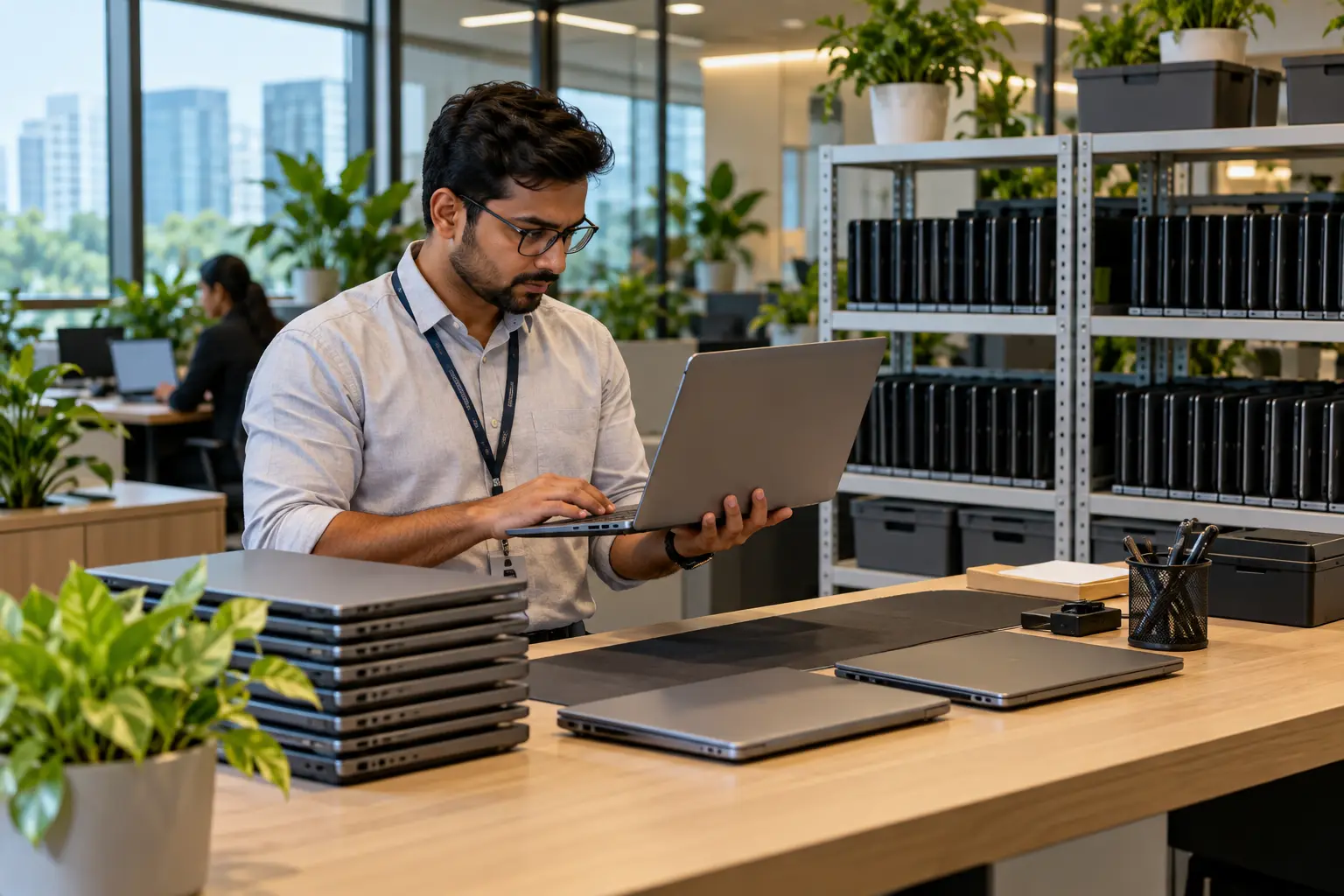
Corporate IT and procurement teams should look beyond the MacBook Pro rental cost. For teams, the bigger question is whether the rental partner can provide the right quantity, similar configurations, GST billing, delivery coordination, replacement support, asset tracking, and clear return terms.
Businesses should check:
- Number of MacBooks required
- Role-wise configuration needs
- Rental duration
- GST invoice availability
- Purchase order process
- Deposit and billing terms
- Replacement support
- Delivery to the office or employees' homes
- Bulk return process
- Data removal responsibility
- Licensed software responsibility
Rentlap’s FAQ says businesses can submit bulk rental enquiries for employee onboarding, temporary teams, corporate training, events, exams, workshops, and project-based requirements. Corporate rental terms may differ based on quantity, duration, billing cycle, delivery schedule, payment terms, deposit, and written agreement.
Takeaway: For business rentals, ask for a written quote with model, specs, quantity, rental period, deposit, delivery, support, and return terms.
What should students check?
Students should rent based on course requirements, not brand excitement. A MacBook Air is enough for online classes, assignments, internships, browsing, presentations, and most college work. A MacBook Pro is useful for design, coding, video editing, architecture tools, creative projects, or app development.
Students should check:
- Student ID requirement
- Parent or guardian details, if needed
- Deposit amount
- Minimum rental period
- Exam or project timeline
- Software compatibility
- Battery and charger condition
- Data backup before return
Rentlap’s FAQ says students can rent laptops for online classes, exams, internships, courses, and projects, with documents such as student ID, identity proof, address proof, or guardian details requested depending on rental type.
Takeaway: For students, a MacBook Air usually gives the best value unless the course demands Pro-level performance.
What about data safety?
You are responsible for your own files, accounts, passwords, and software during the rental period. Before returning the MacBook, back up your files, remove personal data, log out of Apple ID, iCloud, Google, Adobe, Microsoft, GitHub, Slack, and other accounts, and remove passwords or device locks.
Rentlap’s rental terms say customers must back up and remove personal data, log out of accounts, remove passwords and locks, and that Rentlap may format, reset, inspect, or erase devices after return as part of the standard rental process.
For business rentals, create a return checklist. For developers, remove SSH keys, Git credentials, VPN profiles, browser passwords, API keys, local databases, and project files.
Takeaway: Do not return a MacBook with active accounts, passwords, business files, or device locks.
What are the final takeaways?
MacBook rental cost in India starts around ₹3,500 per month for entry MacBook Air models and can cross ₹20,000 per month for premium MacBook Pro models. For most users, the MacBook Air is the value pick. For developers, editors, designers, and corporate teams, the MacBook Pro may justify the higher rental cost.
For a clean quote, share your city, model preference, duration, quantity, use case, and delivery date. Rentlap can help with individual MacBook rentals, student requirements, freelancer needs, and corporate bulk rentals across India. You can also compare other device options on the laptops for rent page.
CTA: Get a MacBook rental quote from Rentlap today. Share your requirement, rental duration, city, and quantity, and the team will help you choose the right MacBook with pricing, deposit, delivery, and support details.
Frequently Asked Questions
What is the MacBook rental cost in India?
MacBook rental cost in India usually starts around ₹3,500 per month for older MacBook Air models and can go above ₹20,000 per month for premium MacBook Pro models. The exact cost depends on model, chip, RAM, storage, rental duration, city, deposit, and availability. Bulk corporate requirements may get custom pricing.
Can I rent a MacBook monthly?
Yes, you can rent a MacBook monthly for personal work, office use, freelance projects, college work, training, development, editing, or business teams. Monthly rentals are usually more practical than daily rentals when you need the device for ongoing work. Longer rental periods may also help reduce the effective monthly cost.
What is the MacBook Pro rental cost?
MacBook Pro rental cost is usually higher than MacBook Air because Pro models have better displays, stronger chips, higher RAM options, better graphics, and higher replacement value. Entry and older Pro models may start from around ₹5,500 to ₹7,500 per month, while newer M5 Pro and M5 Max models can cost ₹9,500 to ₹20,000+ per month.
Is the MacBook Air cheaper than the Pro?
Yes, a MacBook Air is usually cheaper to rent than a MacBook Pro. It is a better fit for students, freelancers, office work, online classes, writing, browsing, presentations, and light creative work. MacBook Pro is better when you need heavier performance for coding, video editing, design, app development, AI work, or production tasks.
Do I need a deposit?
A refundable security deposit may be required for MacBook rental. The amount depends on the model, configuration, rental duration, customer type, location, order value, quantity, and verification status. Higher-value MacBooks may need higher deposits. The deposit is usually refunded after return inspection and clearance of dues.
Should I buy or rent a MacBook?
Rent if you need a MacBook for a short-term project, internship, event, training program, temporary team, freelance assignment, or trial period. Buy if you need the same device every day for multiple years and are ready to handle upgrades, repairs, depreciation, and resale. Renting gives flexibility, while buying gives ownership.